
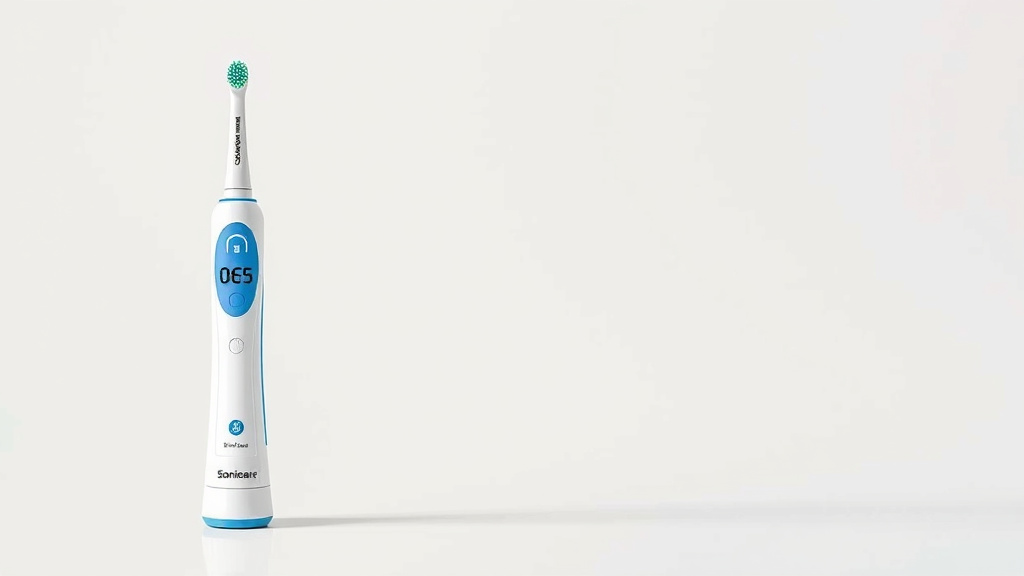
Sonicare Toothbrush Battery Replacement Guide
Yes, you can absolutely replace the battery in your Sonicare electric toothbrush! It’s a bit of a DIY project, but with the right tools and a little patience, you can breathe new life into your old toothbrush. We’ve found that most Sonicare models have replaceable batteries, though some newer ones might be designed differently. This guide will help you save money and reduce waste by showing you how.
When your Sonicare starts to lose its charge quickly, a new battery is often the culprit. Rather than tossing the whole unit, consider this a smart way to extend your toothbrush’s lifespan. Many users discover that replacing the battery is more cost-effective than buying a brand new one, especially for older models. It’s a satisfying repair that many find achievable.
TL;DR:
- Yes, you can replace your Sonicare battery.
- It’s a DIY fix to save money.
- Helps reduce electronic waste.
- Requires basic tools and patience.
- Extends the life of your toothbrush.
Ready to get started? We’ve researched the common steps involved in swapping out that old battery. Let’s walk through how to do it step-by-step.
Revitalize Your Sonicare: Replacing the Battery Yourself
Considering a battery replacement for your Sonicare toothbrush? You’re in the right place! We’ve researched common methods to help you bring your trusty toothbrush back to life. Many Sonicare models are designed with replaceable batteries. This guide aims to make the process clear. You can often avoid buying a new toothbrush this way.
Understanding Why Your Sonicare Needs a New Battery
Your Sonicare toothbrush is a sophisticated device. Over time, the rechargeable battery naturally degrades. This is a normal part of its lifespan. You might notice your toothbrush holds a charge for much less time. It may even stop working altogether. This is a strong signal that the battery is nearing its end. You’ve probably experienced this: you charge it all night, only for it to die mid-brush. Annoying, right?
Common Signs of a Dying Battery
- The toothbrush dies much faster than usual, even after a full charge.
- It stops vibrating or loses power significantly during brushing.
- The charging indicator light behaves erratically or doesn’t light up.
- You’ve had the toothbrush for several years and the battery performance has noticeably declined.
Is a DIY Battery Replacement for You?
Replacing your Sonicare battery is a DIY project. It requires some basic tools and careful handling. If you’re comfortable with simple electronics repair, it’s often achievable. Many people find success with this approach. It’s a great way to save money and reduce electronic waste. Think of it as giving your toothbrush a second chance.
Gathering the Right Tools for the Job
Before you begin, ensure you have all the necessary tools. Having them ready will make the process smoother. This prevents you from stopping mid-repair to find something. We recommend preparing these items first.
Essential Tools and Materials
- Small Phillips head screwdriver: Look for one with a magnetic tip. This helps immensely.
- Plastic pry tool or spudger: These are gentler on the plastic casing. A thin guitar pick can work too.
- Replacement battery: Ensure it’s the correct type for your specific Sonicare model. We’ll cover this more later.
- Soldering iron and solder (optional but recommended): Some models require desoldering the old battery.
- Wire cutters or strippers (if desoldering): For carefully removing the old battery.
- Heat shrink tubing or electrical tape: To insulate new connections if needed.
- A clean, well-lit workspace: You need to see what you’re doing.
Identifying Your Sonicare Model and Battery Type
Not all Sonicare models are created equal. Different series might have slightly different construction. It’s important to identify your specific model. This ensures you purchase the correct replacement battery. You can usually find the model number on the bottom of the toothbrush handle or its original packaging.
Where to Find Your Model Number
Check the bottom of your Sonicare handle. You should see a series of numbers and letters. Often, it will be printed in small text. You might need to look closely. Common series include DiamondClean, ProtectiveClean, or FlexCare. Knowing this helps you find compatible parts.
Choosing the Right Replacement Battery
Replacement batteries can often be found online. Search for batteries specifically listed for your Sonicare model number. Look for reputable sellers. The most common type is a NiMH (Nickel-Metal Hydride) rechargeable battery. Many are sized like AA or AAA but have specific connectors. Always double-check the voltage and dimensions before purchasing.
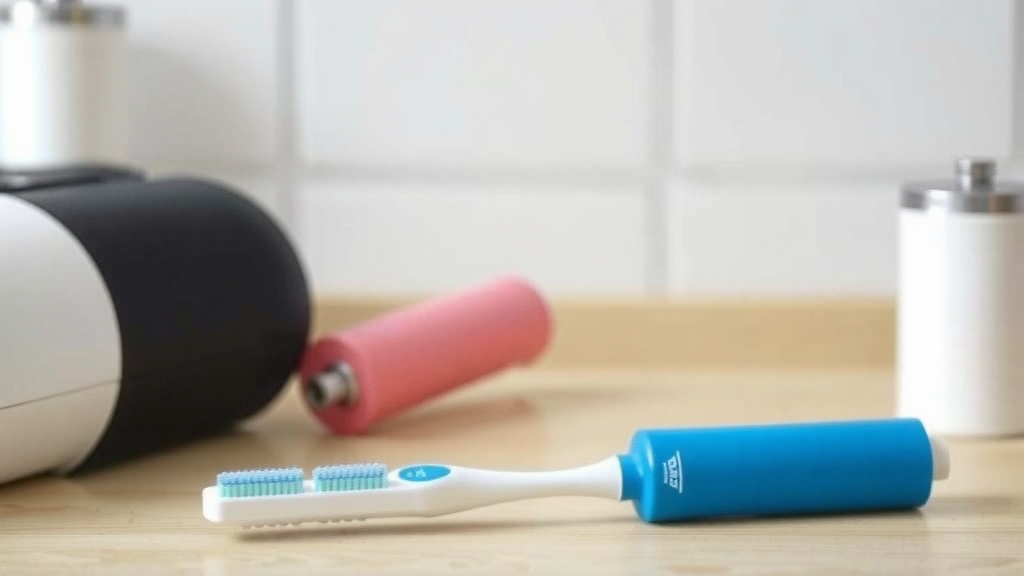
Step-by-Step: Opening Your Sonicare Toothbrush
This is often the trickiest part. Sonicare handles are designed to be sealed. Opening them requires careful manipulation. Take your time here. Rushing can lead to damage.
Locating and Removing the Bottom Cap
Most Sonicare models have a removable bottom cap. It might be a screw-on or a pop-off type. Sometimes, there’s a small screw hidden under a rubber seal or label. Gently pry this open with your plastic tool. If it’s a screw, carefully remove it. Keep track of any small parts.
Accessing the Internal Components
Once the bottom cap is off, you’ll see the internal battery pack. It’s usually held in place by adhesive or clips. You might need to gently pry the casing apart further. Use your plastic pry tool along the seam. Work your way around the handle. Be patient and avoid excessive force. We found that a slow, steady approach works best.
Replacing the Old Battery with a New One
With the battery exposed, it’s time for the swap. This step can vary based on how the battery is connected.
Disconnecting the Old Battery
The battery will likely be connected to the toothbrush’s circuit board by wires. These might be soldered or have small connectors. If they are soldered, you’ll need your soldering iron. Carefully desolder the wires connecting the battery to the board. If there are small plug connectors, gently detach them. Avoid pulling on the wires themselves.
Installing the New Battery
Connect the new battery using the same method the old one was connected. If you desoldered, carefully solder the new battery’s wires to the correct points on the circuit board. Ensure the polarity is correct. Red is usually positive, and black is negative. If you’re using plug connectors, simply push them firmly into place. Insulate any exposed connections with heat shrink tubing or electrical tape. You want to prevent any short circuits.
Reassembly and Testing Your Sonicare
Once the new battery is securely in place, it’s time to put everything back together. This is the reverse of disassembling.
Putting the Handle Back Together
Carefully reinsert the battery pack and any other internal components. Snap or press the casing back together. Ensure all seams align. Reattach the bottom cap. If you removed a screw, tighten it back in place. Make sure everything feels secure. Do not force parts that don’t fit.
The Moment of Truth: Charging and Testing
Plug your Sonicare into its charging base. The charging indicator light should illuminate. Leave it to charge fully, which usually takes several hours. Once charged, turn it on. You should feel the familiar strong vibration. Test it with a timer to see how long it holds a charge. Hopefully, it lasts much longer now! If it doesn’t work, double-check your connections and battery type. A successful repair is incredibly satisfying. For more information on charging your toothbrush, check out our guide on how long to charge electric toothbrushes.
Checklist for a Successful Battery Replacement
- Confirm your Sonicare model number.
- Purchase the correct replacement battery.
- Gather all necessary tools beforehand.
- Work in a well-lit, clean area.
- Be patient and gentle when opening the casing.
- Ensure correct polarity when connecting the new battery.
Conclusion
You’ve learned that replacing your Sonicare battery is an achievable DIY project. By following these steps, you can revitalize your toothbrush and avoid buying a new one. This not only saves you money but also helps reduce electronic waste. Remember to work patiently and gather your tools beforehand. With a little effort, you’ll have your Sonicare performing like new again. Take the plunge and give your toothbrush a second life today!
Frequently Asked Questions
How long should a new Sonicare battery last?
A new, high-quality replacement battery can typically last anywhere from 1 to 3 years. This depends on how often you use the toothbrush and how long you charge it each time. Proper charging habits can help maximize its lifespan.
What if my Sonicare model isn’t listed online for batteries?
If you can’t find a battery for your specific model, look for universal NiMH batteries with similar voltage and dimensions. You might need to solder the wires yourself or adapt the connectors. Researching forums dedicated to toothbrush repair can offer model-specific advice.
Can I use a regular AA or AAA battery?
Generally, no. While some older models might use standard-sized rechargeable cells, most Sonicare toothbrushes use custom battery packs designed for their specific internal space and power needs. Always try to find a battery listed for your model.
Is it safe to solder inside my electric toothbrush?
Yes, it is safe as long as you take proper precautions. Ensure the toothbrush is completely disconnected from power and the battery is removed before soldering. Work in a well-ventilated area and use appropriate safety gear like eye protection.
My Sonicare still isn’t working after replacing the battery, what now?
If your toothbrush doesn’t work after a battery replacement, double-check your connections for proper polarity and secure soldering. It’s also possible there’s an issue with the charging base or the toothbrush’s internal circuit board. Reviewing your disassembly and reassembly steps carefully is a good next move.
![7 Best Oral B Electric Toothbrush For The Money [2026]](https://bestbrushcleaner.com/wp-content/uploads/2026/08/7-best-oral-b-electric-toothbrush-for-the-money-2026-featured-768x432.jpg)

![7 Best Electric Toothbrush From Dentist [2026]](https://bestbrushcleaner.com/wp-content/uploads/2026/06/7-best-electric-toothbrush-from-dentist-2026-featured-768x432.jpg)
![7 Best Electric Toothbrush For Cleaning And Whitening [2026]](https://bestbrushcleaner.com/wp-content/uploads/2026/08/7-best-electric-toothbrush-for-cleaning-and-whitening-2026-featured-768x432.jpg)