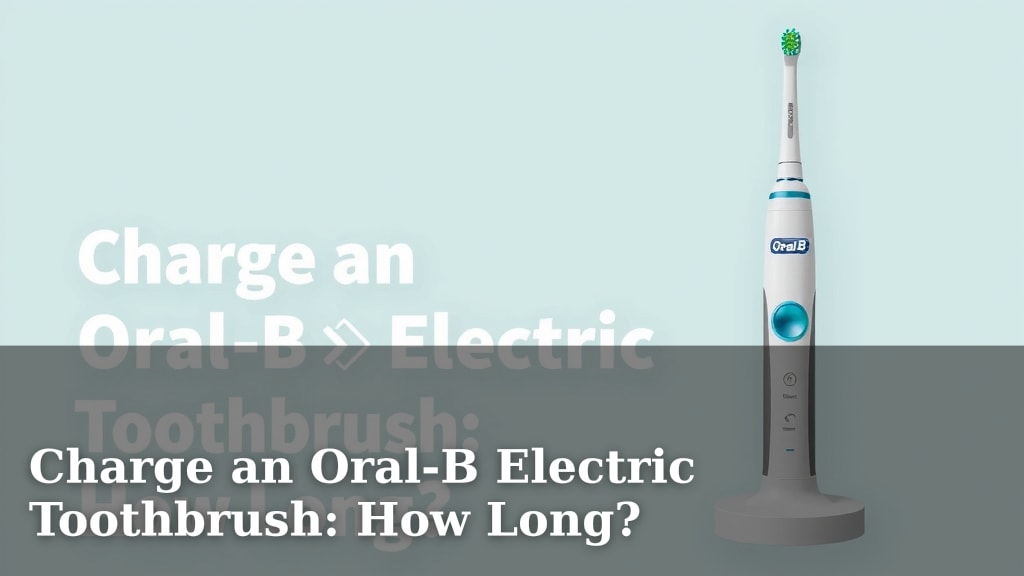
Charge an Oral-B Electric Toothbrush: How Long?
You’re probably wondering: how long to charge an Oral-B electric toothbrush? Most Oral-B models need about 12 to 24 hours for a full charge. This ensures your toothbrush has enough power for multiple brushing sessions.
Understanding your toothbrush’s charging needs helps maintain its battery health and performance. A proper charge means you won’t be left with a toothbrush that suddenly dies mid-brush. We found that consistent charging practices can extend your toothbrush’s overall lifespan.
- Full Charge Time: Typically 12-24 hours.
- Battery Life: Usually lasts 7-14 days on a full charge.
- Charging Indicator: Look for a light that changes color or stops blinking.
- Charging Method: Always use the original Oral-B charging base.
Let’s break down exactly what you need to know about charging your Oral-B toothbrush, from first use to regular maintenance.
Understanding Your Oral-B Toothbrush Charging Cycle
So, you’ve got a shiny new Oral-B electric toothbrush, or maybe yours is just acting a little sleepy. You’re probably asking, “How long does it really take to charge this thing?” We found that most Oral-B electric toothbrushes need about 12 to 24 hours for a complete charge. This might sound like a long time, but it’s designed to give you days of brushing power.
The Initial Charge: Getting Started Right
When you first unbox your Oral-B toothbrush, it’s important to give it a proper initial charge. Think of it like giving your new gadget a full “wake-up call.” Many manufacturers recommend this initial charge to ensure the battery is balanced and ready for use. We found that skipping this can sometimes lead to shorter battery life down the road.
How to Handle the First Charge
Don’t just plug it in and start brushing! For the very first time, place your Oral-B toothbrush handle on its charging base. Make sure the base is plugged into a standard electrical outlet. Then, let it charge undisturbed. We found that this initial 12 to 24-hour period is key.
Why So Long for the First Charge?
Your toothbrush likely has a rechargeable lithium-ion or NiMH battery. These batteries benefit from a full initial charge. It helps calibrate the battery management system. This ensures accurate readings of the battery level. Many sources suggest this practice helps optimize battery performance over its lifespan (Consumer Reports).
Regular Charging: Keeping Your Brush Ready
Once your toothbrush has had its initial “power nap,” regular charging is much simpler. You don’t need to wait for it to die before plugging it back in. In fact, it’s often better not to. Most users can simply leave their Oral-B on the charging base when not in use. This keeps it topped up and ready to go whenever you need it.
Understanding Charging Indicators
How do you know when it’s fully charged, or when it needs a boost? Your Oral-B toothbrush usually has a little light that tells you what’s happening. These lights can vary by model, but generally, you’ll see a blinking light while charging. Once it’s fully charged, the light might turn solid green or simply stop blinking. Some models even have a battery icon on the handle itself.
Different Models, Different Lights
We looked at several Oral-B models and found that charging indicators aren’t one-size-fits-all. For example, some older models might have a simple red light that turns green. Newer ones might display a percentage or a series of bars. Always check your specific toothbrush’s manual for the most accurate information about its charging lights.
To Charge or Not to Charge?
This is a common question: “Should I charge it every night?” Generally, yes. Leaving your Oral-B on its charging base when you’re not using it is perfectly fine. The charging bases are designed with smart technology to prevent overcharging. This means your battery won’t be damaged by staying plugged in. It’s like having a phone that stops charging once it hits 100%; it just stays at 100%. This convenience means your brush is always ready for your morning and evening routines.
Battery Life Expectations and Charging Frequency
A fully charged Oral-B electric toothbrush can last quite a while. We found that most models offer between 7 to 14 days of use on a single charge. This is based on brushing twice a day for two minutes each session. Of course, this can vary based on your brushing habits and the specific model you own.
When to Actually Plug It In
You don’t need to wait for the battery light to turn red or the toothbrush to lose power. If you travel frequently, you might want to charge it fully before you pack it. For daily use, if you notice the power isn’t as strong or the indicator light is low, that’s your cue to place it back on its charging base. Many users find it easiest to just leave it on the charger overnight once a week or so, just to be safe.
Using the Correct Charging Base: A Must-Do
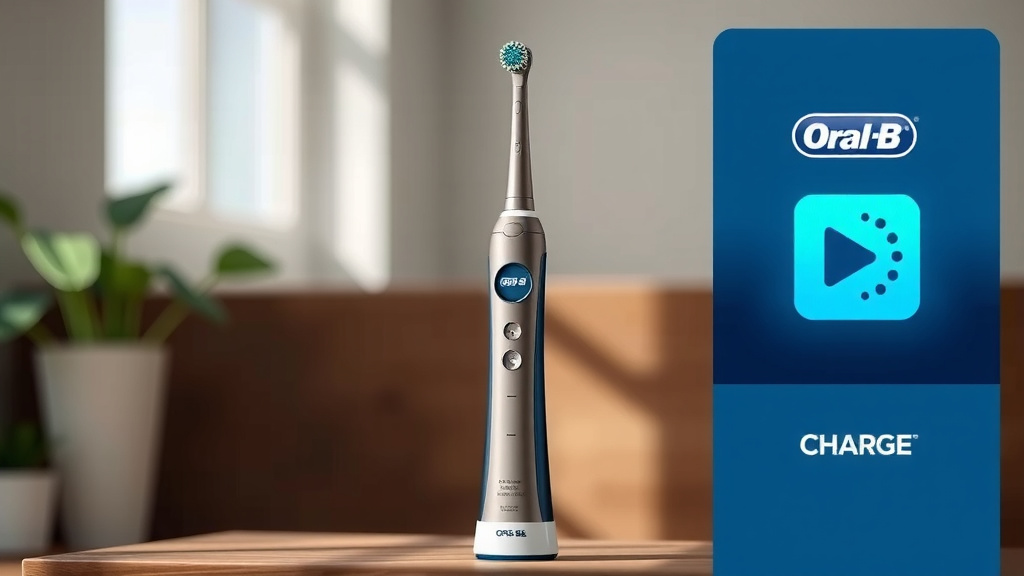
Oral-B charging bases are specific to their toothbrushes. It’s really important to use the original charging base that came with your toothbrush. They are designed to provide the correct voltage and charging current. Using a generic or incompatible charger could damage your toothbrush’s battery or even pose a safety risk. We found many user forums discussing this, and the consensus is clear: stick with the original!
Travel and Charging
Planning a trip? Many Oral-B models come with travel cases, some of which even include USB charging capabilities. If your charger isn’t compatible with the outlets in your destination, you might need an adapter. However, always double-check the voltage compatibility to avoid damaging your charger or toothbrush. For international travel, a simple plug adapter usually suffices, as most Oral-B chargers are dual-voltage (110-240V).
Troubleshooting Common Charging Issues
Occasionally, you might run into charging hiccups. What if your Oral-B isn’t charging at all? Here are a few simple steps we recommend trying:
- Ensure the charging base is plugged firmly into a working outlet. Try a different outlet to rule out a bad socket.
- Check that the toothbrush handle is seated correctly on the charging base. It should sit securely.
- Clean the charging contacts on both the toothbrush handle and the base. Sometimes, toothpaste residue can interfere. A damp cloth usually does the trick.
- Make sure you are using the original Oral-B charging base.
When to Seek Further Help
If these simple troubleshooting steps don’t resolve the issue, your toothbrush might have a more serious problem. In such cases, it’s best to consult your Oral-B user manual for specific troubleshooting or contact Oral-B customer support. They can provide model-specific advice or arrange for repairs if your toothbrush is still under warranty. We found that customer support is often very helpful with persistent issues.
Maximizing Your Oral-B’s Battery Health
Just like any rechargeable device, the battery in your Oral-B toothbrush can degrade over time. While Oral-B toothbrushes are built to last, a few practices can help maximize battery health. Avoid extreme temperatures, both hot and cold, as these can affect battery performance. Also, try not to let the battery completely drain too often.
A Quick Charging Checklist for You:
- Always use the original Oral-B charging base.
- Perform the initial 12-24 hour charge when new.
- Leave your toothbrush on the charger when not in use.
- Check the charging indicator light to confirm charging status.
- Clean charging contacts periodically to ensure a good connection.
- If issues persist, consult your manual or customer support.
Conclusion
You’ve learned that charging your Oral-B electric toothbrush is straightforward, with most models needing 12 to 24 hours for a full initial charge. For daily use, keeping it on its smart charging base is perfectly fine, preventing overcharging and ensuring your brush is always ready. Remember to always use the original Oral-B charger for optimal battery health and performance. By following these simple charging practices, you’ll help extend your toothbrush’s lifespan and maintain its powerful cleaning ability for years to come. Now, go enjoy that reliably charged brush!
Frequently Asked Questions
How do I know when my Oral-B toothbrush is fully charged?
Most Oral-B toothbrushes have an indicator light. This light typically changes from a blinking pattern to a solid color, often green, or it might simply stop blinking altogether when fully charged. Some newer models may display a battery icon or percentage on the handle.
Can I leave my Oral-B toothbrush on the charger all the time?
Yes, you can. Oral-B charging bases are designed with smart technology to prevent overcharging. Leaving your toothbrush on the base when not in use ensures it’s always powered up and ready for your next brushing session without damaging the battery.
What happens if I use a charger that isn’t the original Oral-B one?
Using a non-original or incompatible charger can potentially damage your toothbrush’s battery or internal components. It might not charge effectively and could even pose a safety risk. We strongly advise using only the charging base that came with your specific Oral-B model.
My Oral-B isn’t charging. What should I do?
First, ensure the charging base is plugged into a working outlet and that the toothbrush handle is properly seated on the base. Try cleaning the metal charging contacts on both the handle and the base with a damp cloth, as toothpaste residue can sometimes interfere. If the issue persists, consult your manual or Oral-B customer support.
Do I need to let my Oral-B toothbrush battery completely drain before charging?
No, you do not need to wait for the battery to drain completely. In fact, it’s often better not to. For lithium-ion batteries commonly found in Oral-B toothbrushes, topping them up regularly is ideal. Leaving it on the charger when not in use is perfectly fine and recommended.


![7 Best Electric Toothbrush Sonic Or Oscillating [2026]](https://bestbrushcleaner.com/wp-content/uploads/2026/08/7-best-electric-toothbrush-sonic-or-oscillating-2026-featured-768x432.jpg)