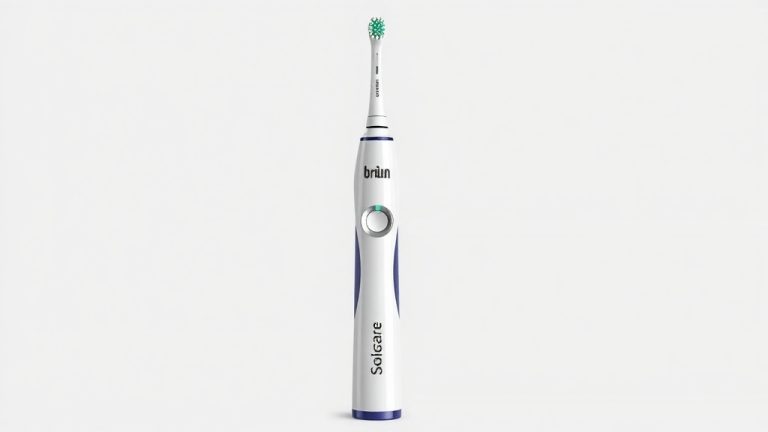
How to Change Your Braun Electric Toothbrush Battery
To change the battery in your Braun electric toothbrush, you’ll typically need to carefully pry open the handle to access the internal components. Many Braun models have a sealed unit, so it requires some gentle force and the right tools to avoid damage. This process usually involves a specific sequence of steps to safely replace the old battery.
When your Braun toothbrush starts losing power or stops charging effectively, it’s often a sign that the battery needs replacing. While Braun electric toothbrushes are built for durability, batteries have a finite lifespan. Learning how to do this yourself can save you money compared to buying a new toothbrush or sending it for professional service, especially if your model is out of warranty. We found that many users successfully tackle this task with patience.
TL;DR:
- Most Braun toothbrushes require opening the handle to change the battery.
- Use a thin, flat tool to gently pry the handle apart.
- Locate and carefully remove the old battery.
- Install the new battery, ensuring correct polarity.
- Snap the handle back together securely.
Ready to give your Braun toothbrush a new lease on life? Let’s walk through the process step by step to get it powered up again.
Replacing Your Braun Toothbrush Battery: A Step-by-Step Guide
So, your trusty Braun electric toothbrush is starting to feel a bit sluggish. It doesn’t hold a charge like it used to, or maybe it’s just not powering up with the same oomph. Don’t toss it just yet! We’ve found that many Braun electric toothbrush batteries can be replaced. It might seem daunting, but with a little patience and the right approach, you can often revive your toothbrush and save yourself some cash.
Getting Prepared for the Battery Swap
Before you dive in, it’s wise to gather your tools. Having everything ready will make the process much smoother. Think of it like preparing your ingredients before you start cooking – it avoids frantic searching later.
Essential Tools You’ll Need
You won’t need a full mechanic’s toolbox for this job. Most Braun models are designed so you can access the battery with common household items. Here’s what we typically recommend:
- A thin, flat tool: This is your main prying instrument. A plastic pry tool (often found in electronics repair kits) is ideal because it’s less likely to scratch or damage your toothbrush handle. If you don’t have one, a very thin flathead screwdriver or even a sturdy guitar pick can sometimes work. Just be gentle!
- A small Phillips head screwdriver: Some Braun models might have a small screw hidden away, usually near the charging contacts or at the bottom.
- A new battery: This is, of course, critical! We’ll discuss how to find the right one shortly.
- A cloth or towel: To protect your toothbrush and your work surface.
Identifying the Right Replacement Battery
This is where many people pause. What kind of battery does your Braun toothbrush use? Most Braun models employ rechargeable NiMH (Nickel-Metal Hydride) or NiCd (Nickel-Cadmium) batteries. These are often custom-sized and soldered into place.
Here’s how to figure it out:
- Check the old battery: Once you’ve opened your toothbrush, the battery itself will usually have markings on it indicating its type, voltage, and capacity. This is the most reliable source of information.
- Consult your toothbrush manual: If you still have it, your original manual might list the battery specifications.
- Search online: Look up your specific Braun toothbrush model number and “battery replacement.” We found that many online communities and electronics suppliers offer lists of compatible batteries for popular models.
It’s important to get a battery with the correct specifications. Using the wrong type or size could damage your toothbrush or even pose a safety risk.
Opening Your Braun Toothbrush Handle
This step requires the most care. Braun electric toothbrushes are designed to be water-resistant, which means the handle is usually sealed tightly. You need to persuade it to open without breaking it.
Locating the Seam
Most Braun toothbrush handles separate into two main pieces. You’ll typically find a seam running around the middle of the handle, just below the brush head attachment. Sometimes, there’s a small notch or a slightly different texture that indicates where to begin.
The Gentle Prying Technique
Here’s where your thin, flat tool comes into play. Insert the edge of your tool into the seam. Gently twist or wiggle it to create a small gap. Work your way around the handle, slowly and patiently prying the two halves apart.
Avoid using excessive force. If it feels like you’re going to snap something, stop. You might have missed a hidden screw, or you might need to try a different spot. Many experts suggest working in small increments, rather than trying to pop the entire thing open at once.
Some users find that running a little warm water over the seam can sometimes help loosen any adhesive, but be sure to dry it thoroughly before proceeding. We found that applying gentle, consistent pressure is key.
Dealing with Stubborn Seals
If the handle is particularly resistant, you might need to try a few things. Ensure you’ve removed any visible screws. If there are no screws, the seal is purely mechanical. Try inserting your prying tool at different points around the circumference. Sometimes, wiggling the tool side-to-side can help break the seal.
Accessing and Replacing the Battery
Once the handle is open, you’ll see the internal workings. The battery is usually a cylindrical or rectangular unit, often connected by wires.
Removing the Old Battery
The battery might be held in place by clips, adhesive, or simply fit snugly into a compartment. If it’s soldered, you’ll need basic soldering skills to remove and replace it. If it’s not soldered, it will likely have connectors or be held by a bracket.
Carefully disconnect any wires or release any clips holding the battery. If there’s adhesive, gently loosen it with your pry tool. Remember to note which wire goes where before you disconnect anything. This is critical for reassembly!
Installing the New Battery
This is the reverse of removal, but with a crucial detail: polarity. Batteries have a positive (+) and negative (-) end. Ensure you install the new battery with the correct orientation. Connecting it backward can prevent your toothbrush from working or even cause damage.
If your old battery was soldered, you’ll need to solder the new one in place. For those that aren’t soldered, connect the wires securely to the new battery, matching the original configuration. Then, fit the new battery into its compartment, securing it with any clips or brackets you removed.
Reassembling Your Braun Toothbrush
Putting it all back together is usually simpler than taking it apart. Line up the two halves of the handle and carefully press them together. You should hear or feel them snap into place.
If you removed any screws, reinsert them now. Make sure everything feels snug and secure. Give the handle a gentle shake to ensure it’s properly sealed. If there are any rattles, check that all internal components are seated correctly.
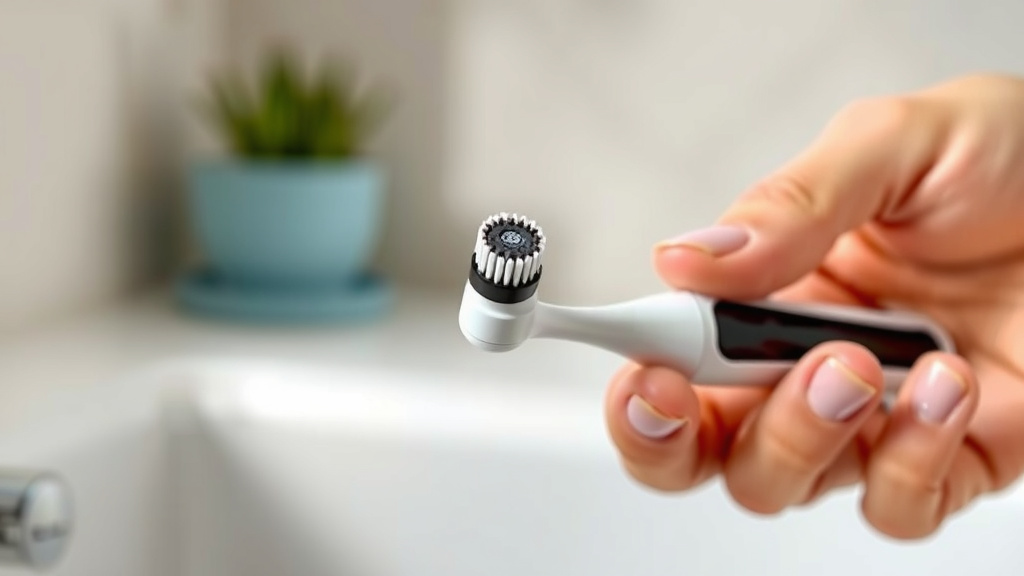
Testing Your Refurbished Toothbrush
The moment of truth! Place your toothbrush on its charger. Does the charging indicator light up? Leave it to charge for the recommended time, usually several hours for a full charge.
Once charged, turn it on. Does it have its original power and speed? If so, congratulations! You’ve successfully replaced the battery. This process, we found, can significantly extend the life of your toothbrush.
When to Seek Professional Help or Consider Replacement
While DIY battery replacement is often feasible, it’s not always the best option. If you’re uncomfortable with electronics, worried about damaging your toothbrush, or if your specific model is particularly difficult to open, it might be time to reconsider.
Sometimes, the battery may be difficult to source, or the toothbrush might have other internal issues that a battery change won’t fix. Many guidelines suggest that if your toothbrush is older and the replacement cost (including battery and any tools) approaches the cost of a new, comparable model, it might be more practical to invest in a new one (Cleveland Clinic).
Quick Checklist for Your Battery Swap
Here’s a quick recap to keep you on track:
- Gather your tools: prying tool, screwdriver, new battery, cloth.
- Find the correct replacement battery for your model.
- Gently pry open the handle at the seam.
- Note wire placement before disconnecting the old battery.
- Install the new battery, ensuring correct polarity.
- Snap the handle back together and reinsert screws.
- Test the charging and power function.
Conclusion
You’ve learned that changing the battery in your Braun electric toothbrush is a manageable DIY project. With the right tools and a careful approach, you can often restore its charging power and extend its lifespan. Remember to work gently when prying open the handle and always double-check the battery’s polarity before installation. We found this process can be quite satisfying! If you’re feeling confident, give it a try. If not, consider professional help or a new model.
Frequently Asked Questions
How do I know if my Braun toothbrush battery needs replacing?
You’ll likely notice your toothbrush holding less of a charge, taking much longer to charge fully, or failing to power on consistently. If the charging light behaves erratically or your toothbrush simply feels weaker than it used to, it’s a strong indicator the battery is on its way out.
Can I use a regular AA or AAA battery to replace my Braun toothbrush battery?
Generally, no. Braun electric toothbrushes use specialized rechargeable batteries, often NiMH or NiCd, that are specific to the model. These batteries are usually soldered or have custom connectors and come in precise sizes. Using standard disposable batteries won’t work and could damage your toothbrush.
What if my Braun toothbrush battery is soldered in place?
If your battery is soldered, you’ll need basic soldering skills and equipment to replace it. This involves carefully desoldering the old battery connections and then soldering the new battery in place, ensuring correct polarity. If you’re not comfortable with soldering, this might be a step where professional assistance or considering a new toothbrush is best.
Do I need to worry about water damage when opening my Braun toothbrush?
Braun toothbrushes are designed to be water-resistant, but opening the handle can break that seal if not reassembled correctly. Be sure to work on a dry surface and ensure all parts are dry before reassembly. A properly sealed handle after battery replacement should maintain its water resistance for regular use.
Where can I find a replacement battery for my specific Braun toothbrush model?
Your best bet is to identify the exact model number of your Braun toothbrush and search online retailers specializing in electronics components or toothbrush parts. Checking the old battery for markings like type, voltage, and capacity is also very helpful. Online forums dedicated to electronics repair can sometimes offer model-specific advice too.
![7 Best Electric Toothbrush For Hard Brushers [2026]](https://bestbrushcleaner.com/wp-content/uploads/2026/08/7-best-electric-toothbrush-for-hard-brushers-2026-featured-768x432.jpg)