How to Charge Your Oral-B Electric Toothbrush
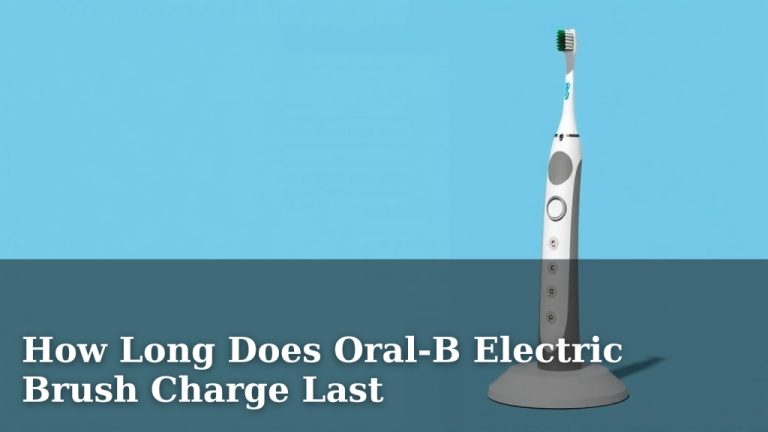
Charging your Oral-B electric toothbrush is pretty straightforward. You’ll want to make sure your toothbrush is fully charged before its first use. Simply place your Oral-B handle onto the charging base and plug the base into a standard electrical outlet. The charging indicator light will let you know it’s powering up. It typically takes about 12-24 hours for a full charge, depending on the model. Different Oral-B models might have slightly different charging times.
Keeping your Oral-B charged ensures optimal performance and battery life. Different Oral-B models might have slightly different charging times or indicator lights. Always consult your toothbrush’s specific manual for the most accurate charging details. A long-lasting battery means fewer interruptions to your oral care routine.
TL;DR:
- Place toothbrush handle on the charging base.
- Plug the base into an electrical outlet.
- Look for the charging indicator light.
- Full charge usually takes 12-24 hours.
- Check your model’s manual for exact times.
Ready to get that green light? Let’s walk through exactly how to get your Oral-B powered up and ready for your next brushing session.
“`htmlPowering Up Your Oral-B Electric Toothbrush
Getting your Oral-B electric toothbrush ready to go is super simple. You just need to connect it to its charger and a power source. This guide will walk you through the steps. We’ll cover what to do when you first get it, how to keep it charged, and what those little lights mean. You want your toothbrush ready for action whenever you are!
The Initial Charge: Getting Started Right
When you first unbox your new Oral-B, giving it a full charge is important. This ensures the battery is conditioned correctly. Many manufacturers recommend this for optimal battery health over time. Think of it like waking up a sleepy battery.
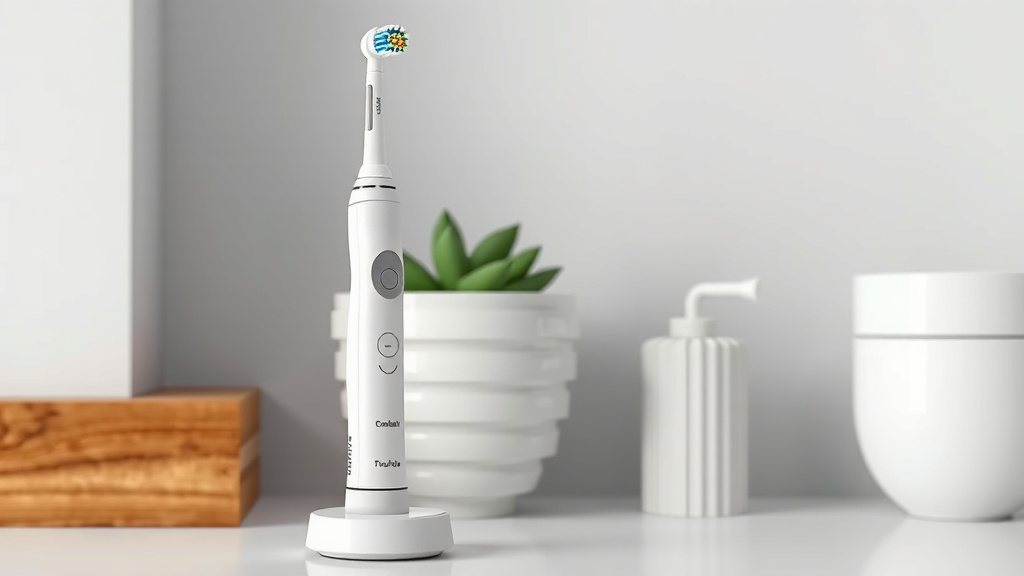
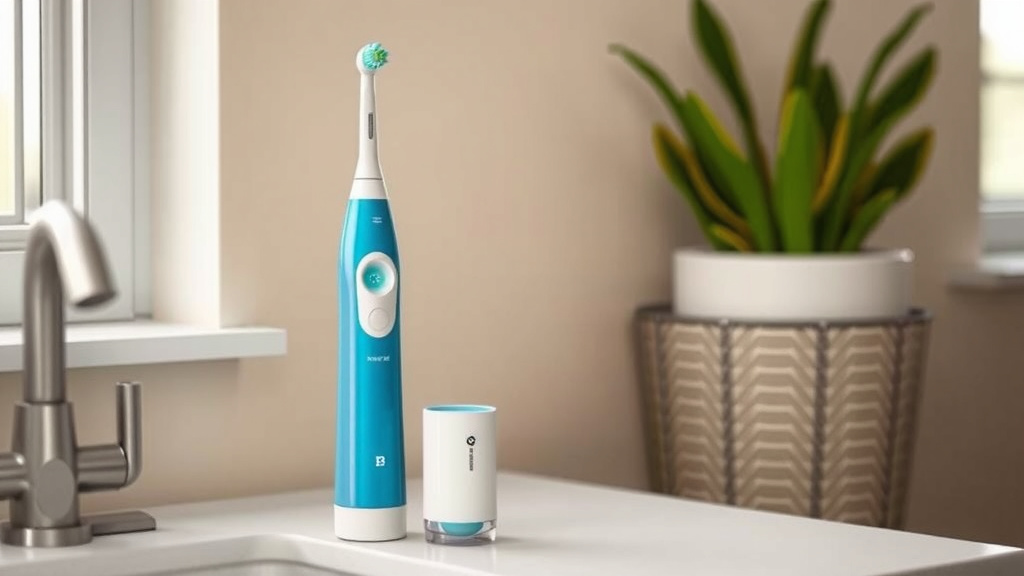
So, what do you do? First, find the charging base that came with your toothbrush. It usually looks like a small, round puck or a taller stand. Make sure it’s placed on a dry, flat surface, like your bathroom counter.
Connecting the Charger
Next, take the power cord attached to the charging base. Plug the other end into a standard electrical outlet. You don’t need any special adapters for this. Just plug it in like you would a lamp or a phone charger.
Now, pick up your Oral-B toothbrush handle. It’s the main part you hold. Gently place the handle onto the charging base. You should feel it settle into place. Some models might have a little groove or spot where it sits best. Just find the natural resting spot.
Understanding the Charging Indicator Light
You’ll likely see a light on your toothbrush handle or the charging base. This light is your charging indicator. It tells you the status of the charge. Different Oral-B models have different light patterns. Some might glow green, others might pulse. A steady light often means it’s charging.
Research shows that a full charge is key for the battery’s long-term performance. This initial charge can take a while. It’s not something you can rush. It’s best to let it charge undisturbed. You’ll know it’s done when the light changes. It might turn solid green or switch off completely, depending on your model.
Charging Your Oral-B During Regular Use
Once your toothbrush has had its first full charge, you don’t need to wait for it to die before recharging. You can pop it back on the charger whenever it’s convenient. Many people like to charge it overnight.
You can place the handle on the charging base daily. This keeps it topped up and ready to go. It’s like plugging in your phone. You don’t wait for it to hit 1% every time, right? Doing this helps maintain a consistent charge level.
When to Recharge
How do you know when it’s time to charge? Your Oral-B will usually give you a signal. Many models have a battery indicator light. This light might turn red or blink to show it’s low on power. Some newer models might even display the battery percentage on a small screen.
When you notice the indicator light signaling a low battery, it’s time to find that charger. Simply place the handle on the base. Plug the base into the outlet. The charging light should come on. Now it’s powering up again.
Charging Times: What to Expect
The time it takes to fully charge your Oral-B can vary. Generally, a full charge from empty can take between 12 to 24 hours. This is for most standard models. Some advanced models might charge a bit faster. Always check your user manual for exact charging times.
The battery life on a full charge is quite good. Many Oral-B toothbrushes can last for about two weeks on a single charge. This is a great convenience, especially when traveling. You might not even need to bring the charger with you for shorter trips!
Troubleshooting Common Charging Issues
What if your Oral-B isn’t charging? Don’t panic! There are a few simple things you can check. First, make sure the charging base is plugged securely into the wall outlet. Sometimes, it might just be a loose connection.
Next, check the outlet itself. Is it working? You can test it with another small appliance, like a hair dryer or a lamp. If the outlet is fine, ensure the toothbrush handle is properly seated on the charging base. It needs to make good contact.
Cleaning the Charging Components
Sometimes, dirt or toothpaste residue can build up. This can interfere with charging. Gently wipe the charging base and the bottom of the toothbrush handle with a dry cloth. You can also use a slightly damp cloth, but make sure everything is dry before charging again. Keeping the charging surfaces clean is essential.
When to Seek Further Help
If you’ve tried these steps and your toothbrush still isn’t charging, it might be time to contact Oral-B customer support. They can offer more specific advice for your model. They can also help if the charging base or toothbrush seems faulty. It’s always good to have their support number handy.
Your Oral-B Charging Checklist
Here’s a quick rundown to make sure you’re charging your Oral-B like a pro:
- Find the correct charging base and plug it in.
- Place the toothbrush handle securely on the base.
- Look for the charging indicator light to confirm it’s working.
- Allow for a full 12-24 hour charge, especially for the first time.
- Recharge when the battery indicator shows low power.
- Keep charging contacts clean for optimal performance.
Conclusion
You’ve now learned the simple steps to keep your Oral-B electric toothbrush powered up and ready for action. Remember, a full initial charge sets you up for optimal battery health. Regular charging, even just topping it up overnight, ensures you never miss a brushing session. By paying attention to indicator lights and keeping charging contacts clean, you’ll maximize your toothbrush’s performance and battery life. Now, go ahead and place your toothbrush on its charger. Enjoy that fully charged feeling and a consistently cleaner smile!
Frequently Asked Questions
How often should I charge my Oral-B electric toothbrush?
You don’t need to wait for your Oral-B to run out of battery before charging it. Many users find it convenient to charge their toothbrush overnight every few days. This keeps the battery topped up. Check your model’s indicator light for battery status.
Can I use a different Oral-B charging base with my toothbrush handle?
Generally, Oral-B charging bases are designed to work with specific toothbrush handle series. While some may be compatible, it’s best to use the charging base that came with your specific model. Using an incompatible charger could potentially damage your toothbrush or not charge it effectively.
What does it mean if my Oral-B charging light is flashing?
A flashing charging light on your Oral-B toothbrush often indicates a charging issue or that the battery is low. It could mean the handle isn’t seated correctly on the base, or there might be a problem with the charger or outlet. Consult your manual for your model’s specific light codes.
How do I know if my Oral-B is fully charged?
Most Oral-B toothbrushes have an indicator light that changes when charging is complete. This light might turn solid green, turn off, or show a different color. Your user manual will provide the exact details for your toothbrush model’s fully charged indicator.
Is it bad to leave my Oral-B on the charger all the time?
Leaving your Oral-B on its charging base even after it’s fully charged is generally not harmful for most modern models. They have built-in systems to prevent overcharging. It helps ensure your toothbrush is always ready for use. Still, checking your manual for specific advice is always a good idea.
![7 Best Electric Toothbrush Oral B Pro 1000 [2026]](https://bestbrushcleaner.com/wp-content/uploads/2026/07/7-best-electric-toothbrush-oral-b-pro-1000-2026-featured-768x432.jpg)