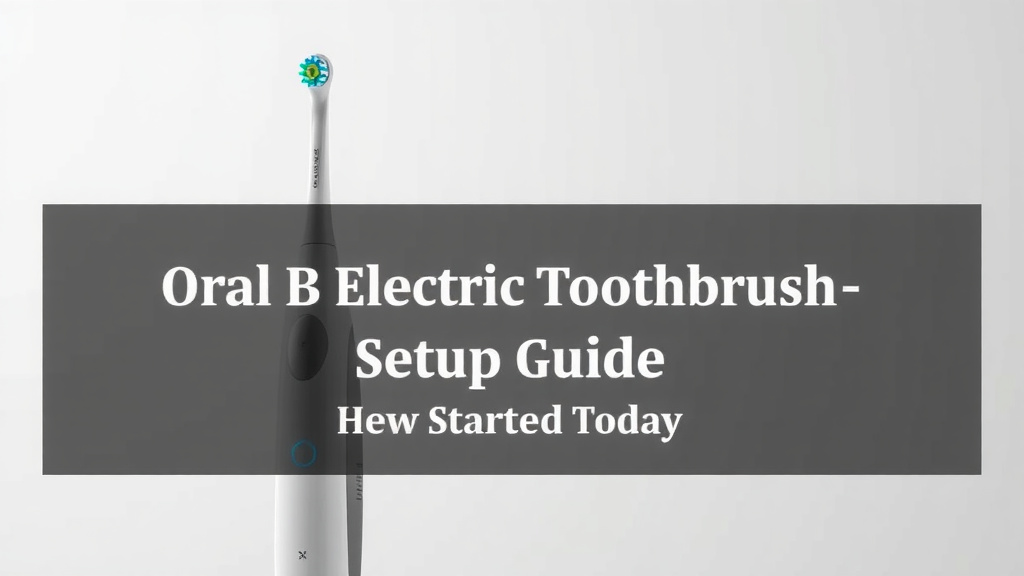
Oral B Electric Toothbrush Setup Guide: Get Started Today
Setting up your Oral-B electric toothbrush is a quick and simple process designed to get you brushing effectively right away. You’ll typically start by attaching the brush head and charging the handle. Most models come with a charging base, making it easy to keep your toothbrush ready to go.
Once charged, you can begin using your Oral-B, but understanding its features can enhance your brushing experience. Many Oral-B toothbrushes offer different brushing modes and pressure sensors. These features help ensure you’re brushing safely and efficiently for optimal oral health.
- Attach the brush head securely.
- Charge the toothbrush handle fully before first use.
- Familiarize yourself with brushing modes.
- Understand the pressure sensor if your model has one.
Let’s walk through exactly how to get your Oral-B ready for its first use, step by step.
Getting Your Oral-B Electric Toothbrush Ready to Go
You’ve got your new Oral-B electric toothbrush, and you’re ready to experience a whole new level of clean! Setting it up is a breeze. We’ll guide you through each step. This makes sure you’re brushing effectively from the very start.
Attaching the Brush Head Correctly
The first step to setting up your Oral-B is attaching the brush head. This might seem obvious, but a secure fit is important for proper cleaning. You’ll want to hear or feel a little click when it’s on correctly. This ensures it won’t detach mid-brush.
Finding the Right Fit
Oral-B offers many brush head types. They’re designed for different needs. You might have one for sensitive gums or one for stain removal. Check the packaging of your brush head. It will tell you which Oral-B handles it’s compatible with. Most new toothbrushes come with a standard brush head already attached or in the box.
The Simple Connection Process
To attach the brush head, simply align the bristles. Then, push it firmly onto the metal shaft of the toothbrush handle. It should slide on easily. Give it a gentle wiggle. If it feels loose, try pushing it down a bit more firmly. You’re looking for a snug connection. A proper connection helps the toothbrush perform at its best. It also prevents any rattling or vibrations that aren’t part of the design.
Charging Your Oral-B for the First Time
Before you can dive into that sparkling clean feeling, your toothbrush needs a little power. Most Oral-B electric toothbrushes require charging before their initial use. This ensures you get the full battery life from the start. It’s a bit like giving your new device a full energy drink.
Understanding the Charging Base
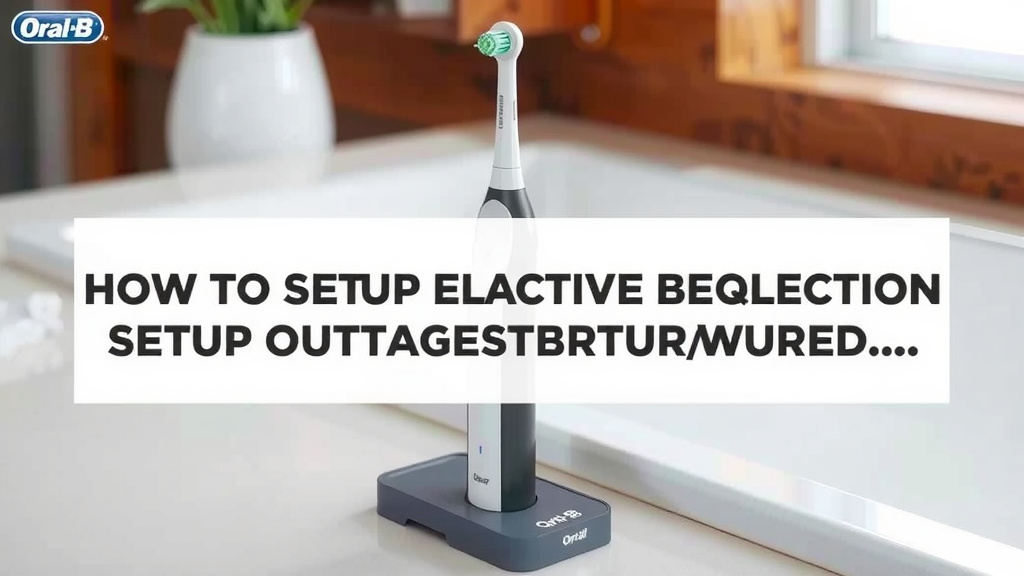
Your Oral-B likely came with a charging base. This is usually a small, round or rectangular device. It has a prong or slot where the bottom of your toothbrush handle fits. You’ll plug the charging base into a standard electrical outlet. Make sure the outlet is safe and dry. Water and electricity don’t mix well, so keep the base away from direct splashes.
The Charging Indicator Light
When you place your Oral-B handle onto the charging base, you should see a light. This light indicates that charging has begun. The pattern and color of this light can vary by model. Some lights might blink while charging and turn solid when fully charged. Others might have a specific battery icon that fills up. Consult your Oral-B’s manual for exact details on your model’s charging indicator. We found that leaving it to charge overnight is often recommended.
How Long Does Charging Take?
The initial charge can take a while. Many Oral-B models require anywhere from 12 to 24 hours for a full charge. This might seem long, but it ensures a robust battery life for weeks of brushing. Once fully charged, you can typically use the toothbrush for about two weeks before needing to recharge it again. This long battery life makes it great for travel too!
Exploring Your Oral-B’s Brushing Modes
Many Oral-B electric toothbrushes aren’t just about power; they offer different ways to brush. These modes are designed to cater to various oral health needs and preferences. Understanding them can significantly improve your brushing routine. Think of them as different settings on your favorite gadget, each with a unique purpose.
Common Brushing Modes Explained
You’ll likely find a few standard modes on your Oral-B. These often include:
- Daily Clean: This is your go-to mode for everyday brushing. It provides a thorough clean.
- Sensitive: If you have sensitive teeth or gums, this mode uses a slower speed. It offers a gentle yet effective clean. Many dentists recommend gentler brushing for those with sensitivity (American Dental Association). If you have sensitive teeth or gums, this mode offers a gentle yet effective clean.
- Whitening: This mode often alternates speeds. It aims to polish teeth and remove surface stains.
- Gum Care: This mode focuses on massaging your gums. It can help improve gum health over time.
- Pro Clean (or Intense Clean): This mode typically runs at a higher speed or for a slightly longer duration. It offers a super deep clean feeling.
How to Select and Change Modes
Switching between modes is usually straightforward. There’s often a dedicated button on the handle. You might need to press it once to turn the toothbrush on, and then press it again to cycle through the modes. Some models require you to press the button while the toothbrush is off to switch modes. Check your toothbrush’s display or look for mode icons. The toothbrush handle often indicates the selected mode. It’s worth experimenting to see which mode feels best for your mouth!
Understanding the Pressure Sensor Feature
Brushing too hard is a common mistake. It can damage your gums and tooth enamel. That’s why many Oral-B toothbrushes come equipped with a pressure sensor. This is a fantastic feature for anyone who tends to apply a bit too much force.
How the Pressure Sensor Works
The pressure sensor is designed to alert you when you’re pressing too hard. When it detects excessive pressure, it usually does one of two things. It might change the sound of the motor. You’ll hear a different buzzing or stuttering noise. Some models will also cause the handle to vibrate differently. Others might even cause the light ring on the handle to turn red. These alerts are your cue to ease up on the pressure These alerts are your cue to ease up on the pressure when brushing..
Benefits of Using the Pressure Sensor
Using the pressure sensor can help you protect your oral health. It guides you towards the right amount of pressure. This helps prevent gum recession and enamel wear. Research shows that improper brushing technique is a leading cause of gum issues (National Institute of Dental and Craniofacial Research). By following the sensor’s feedback, you’re promoting healthier gums and teeth.
Getting Started with Your First Brushing Session
Now that your Oral-B is charged and you know its features, you’re ready for your first real brushing session! It’s an exciting moment. You’re about to feel that professional clean feeling right at home.
A Quick Checklist for Success
Here’s a simple checklist to make sure you’re all set:
- Brush head attached firmly? Check!
- Toothbrush fully charged? Check!
- Chosen your preferred brushing mode? Check!
- Ready to apply gentle pressure? Check!
- Got your toothpaste ready? Check!
- Excited for a cleaner smile? Double check!
Just apply a small amount of toothpaste to the brush head. Place the brush head in your mouth before turning the toothbrush on. Gently guide the brush head across your teeth. Let the toothbrush do the work for you. Remember to switch quadrants of your mouth every 30 seconds. Most Oral-B timers will help you with this!
Conclusion
You’ve successfully set up your Oral-B electric toothbrush, and you’re ready for a superior clean! Remember to always attach the brush head firmly and ensure your toothbrush is fully charged before use. Taking a moment to understand and use the different brushing modes and the pressure sensor will truly transform your oral hygiene routine. By following these simple steps, you’re well on your way to healthier gums and a brighter smile. Your next step? Schedule your next dental check-up and ask your dentist about the improvements they notice!
Frequently Asked Questions
How do I know if my Oral-B brush head is attached correctly?
You should feel or hear a slight click when the brush head is properly seated onto the metal shaft of the handle. Give it a gentle wiggle to confirm it’s snug. A loose brush head won’t clean effectively and can be annoying.
Is it really necessary to charge my Oral-B for 12-24 hours initially?
Yes, that initial long charge is important for battery health. It ensures your toothbrush is ready for weeks of use and helps maintain the battery’s capacity over time. Most models will indicate when charging is complete.
Can I use any Oral-B brush head with my handle?
Not all Oral-B brush heads are compatible with every handle. Always check the packaging of the brush head for compatibility information. Most standard Oral-B brushes work with most Oral-B handles, but it’s best to be sure.
What should I do if my Oral-B’s pressure sensor keeps going off?
If your pressure sensor frequently alerts you (e.g., light turns red or motor changes sound), it means you’re pressing too hard. Try to ease up significantly. Let the electric toothbrush do the cleaning work for you; gentle guidance is all you need.
How often should I change my Oral-B brush head?
Dentists and Oral-B generally recommend replacing your brush head every three months. Worn-out bristles are less effective at cleaning and can harbor bacteria. You might notice frayed bristles sooner, which is also a sign to replace it.

![7 Best Electric Toothbrush Holder [2026]](https://bestbrushcleaner.com/wp-content/uploads/2026/06/7-best-electric-toothbrush-holder-2026-featured-768x432.jpg)