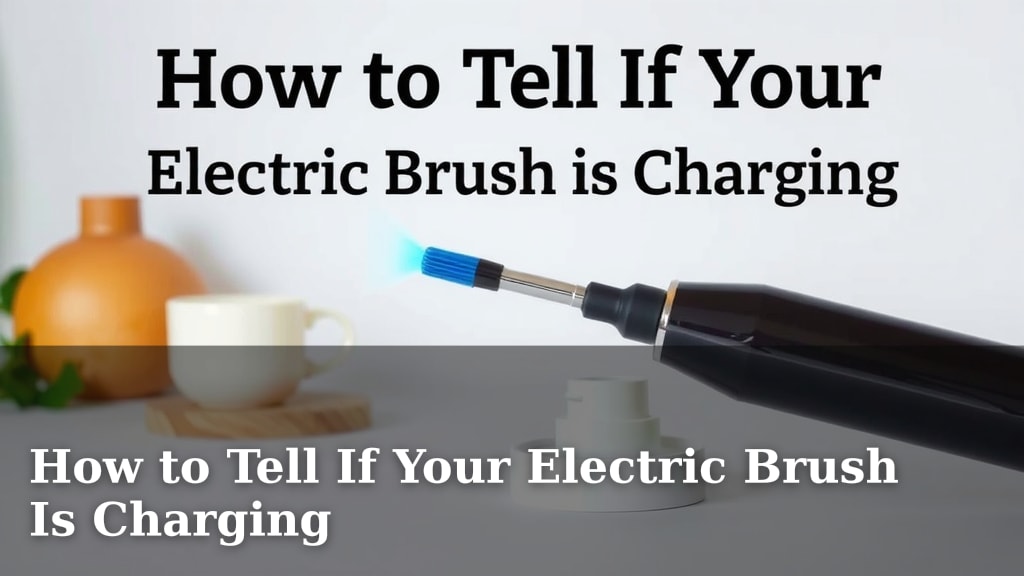
How to Tell If Your Electric Brush Is Charging
You can tell if your electric toothbrush is charging by looking for a charging indicator light. This light usually turns on or changes color when it’s actively receiving power. Many models also have a small icon that appears on the handle or screen. Don’t worry, it’s usually quite straightforward to figure out!
Understanding your toothbrush’s charging status is important for keeping your oral hygiene routine smooth. A dead battery can really disrupt your morning! We found that most electric toothbrushes use visual cues, like blinking lights or battery symbols, to show they’re powering up. Some even make a subtle sound. Paying attention to these little signals ensures your brush is always ready for action.
- Check for a charging indicator light.
- Look for a battery icon on the handle or screen.
- Some brushes make a charging sound.
- Consult your toothbrush’s manual for specific details.
Let’s walk through the common ways to confirm your electric toothbrush is charging, so you can keep that smile sparkling without any guesswork.
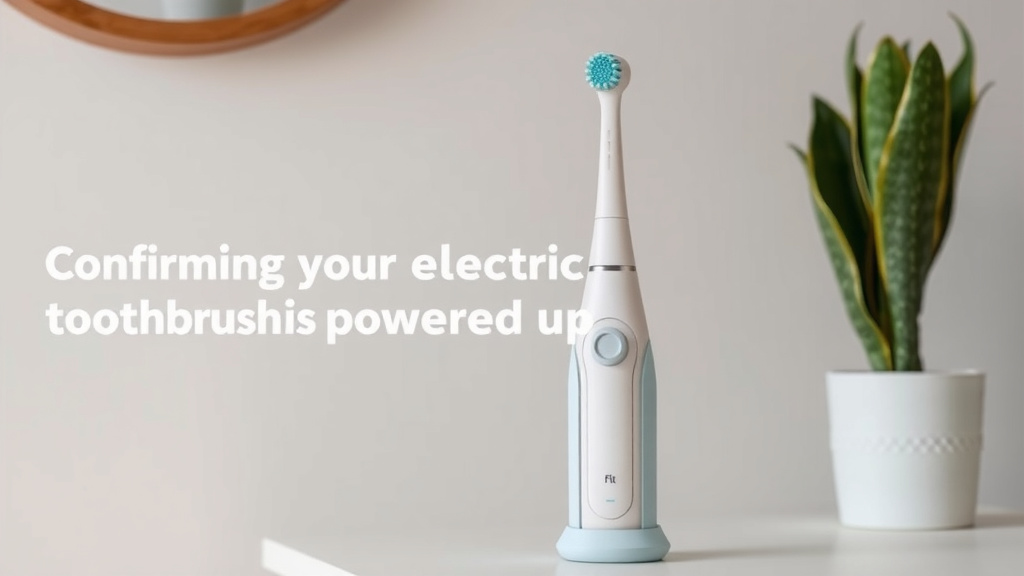
Confirming Your Electric Toothbrush Is Powered Up
So, you’ve plugged in your electric toothbrush, but how can you be absolutely sure it’s actually charging? It’s a common question, and thankfully, most electric toothbrushes make it pretty easy to check. We found that the primary indicators are visual, but sometimes you might get a subtle audio cue too. Let’s break down the most common ways your toothbrush will signal that it’s getting juice.
Decoding the Charging Indicator Lights
The most universal sign your toothbrush is charging is its indicator light. Think of it like a tiny traffic signal just for your brush. This light is designed to give you instant feedback.
Common Light Behaviors
What exactly does that light do? It can vary by brand and model. We’ve observed a few patterns:
- Solid Light: Often, a light will turn solid when charging begins and remain solid when fully charged.
- Pulsing or Blinking Light: Many toothbrushes use a pulsing or blinking light to show that charging is in progress. This might slow down or stop when the battery is full.
- Color Changes: Some advanced models might change color. For instance, a red light could indicate charging, turning green or blue when complete.
What If the Light Doesn’t Turn On?
If you’re expecting a light and don’t see one, don’t panic just yet. We found that sometimes the charging base needs to be properly seated. Also, ensure the charging contacts on both the toothbrush handle and the base are clean and free of debris. A bit of toothpaste gunk can interrupt the connection, much like trying to use a phone with a dirty charging port.
Understanding Battery Icons and Displays
Beyond just a simple light, many modern electric toothbrushes feature a small display or icon on the handle itself. This gives you a more precise idea of the battery’s status.
On-Handle Displays
You might see a dedicated battery icon. This could look like the familiar battery symbol you see on your smartphone. When charging, this icon often fills up or shows a lightning bolt symbol alongside it. Some high-end models even show a percentage.
Screen Indicators
If your toothbrush has a small digital screen, it will likely display the charging status here. This could be a charging bar, a percentage, or a specific charging animation. We found that these are usually very clear and leave little room for doubt.
Listening for Charging Cues
While visual indicators are the most common, some electric toothbrushes offer an audible confirmation. This is less frequent, but worth knowing about.
Subtle Sounds
Occasionally, when you place the toothbrush on its charger, you might hear a faint beep or chime. This sound confirms that the charging connection has been made successfully. It’s a quick way to know it’s working without having to look for a light, especially if you’re placing it on the charger in a dim bathroom.
The Role of the Charging Base
The charging base itself can sometimes offer clues. Many bases have their own small indicator light.
Base Unit Lights
This light on the base usually indicates that the base is receiving power from the wall outlet. If this light is on, it means the charger is active. If the base light is off, check the power connection to the outlet and the charger itself. We found that a faulty outlet is surprisingly often the culprit!
When to Consult Your Manual
Every electric toothbrush is a little different. The manufacturer designs the charging indicators to be intuitive, but sometimes the specifics can be unique to your model. That’s where your toothbrush’s manual becomes your best friend.
Decoding Specific Model Information
Your manual will tell you exactly what each light color, blink pattern, or icon means for your specific toothbrush. It’s the ultimate authority. We recommend keeping it handy, at least until you’re comfortable with how your brush communicates its power status. For instance, some Philips Sonicare models use a charging indicator light on the handle, while others might have a light on the base. Oral-B models often have a battery indicator icon or light.
Troubleshooting Common Charging Issues
What if you’ve tried everything, and it still seems like your toothbrush isn’t charging? Don’t throw in the towel just yet. A few common issues can prevent charging.
Checking the Power Source
First, ensure the charging base is securely plugged into a working wall outlet. Try plugging another device into the same outlet to confirm it has power. Also, check that the power cord isn’t damaged.
Ensuring Proper Connection
Make sure the toothbrush handle is properly seated on the charging base. Sometimes, it just needs a little nudge to connect correctly. As mentioned before, clean the charging contacts on both the handle and the base. Dried toothpaste or soap residue can create a barrier.
The Battery’s Health
Like all rechargeable batteries, the one in your toothbrush has a lifespan. If your brush is several years old and you’re consistently having trouble charging, the battery itself might be nearing the end of its life. Research and found that most rechargeable batteries degrade over time (NIH).
Your Electric Toothbrush Charging Checklist
To quickly sum things up, here’s a handy checklist to verify your electric toothbrush is charging:
- Look for a light on the toothbrush handle or charging base.
- Note the light’s behavior: Is it solid, blinking, or changing color?
- Check for battery icons or percentage displays on the handle.
- Listen for any charging sounds when you place the brush on the base.
- Confirm the charging base is plugged into a working outlet.
- Ensure the toothbrush handle is correctly positioned on the charger.
By following these steps, you should be able to confidently determine if your electric toothbrush is powering up and ready for your next brushing session.
Conclusion
You’ve got this! Figuring out if your electric toothbrush is charging is all about paying attention to the little signals it gives you. Whether it’s a blinking light, a filling battery icon, or even a faint sound, these cues are designed to be straightforward. We’ve walked through the common indicators and even touched on a few troubleshooting tips. Now, you can confidently ensure your brush is always ready to give you that sparkling clean feel. Next time you place your toothbrush on its charger, take a moment to check for these signs, and enjoy your worry-free brushing routine!
Frequently Asked Questions
How long does it usually take for an electric toothbrush to charge?
Charging times can vary significantly by brand and model. Most standard electric toothbrushes take between 12 to 24 hours for a full charge. Some newer or travel-focused models might charge much faster, sometimes within a few hours.
Can I leave my electric toothbrush on the charger all the time?
Yes, in most cases, it’s perfectly fine to leave your electric toothbrush on its charging base even after it’s fully charged. Modern toothbrushes have battery management systems that prevent overcharging and won’t damage the battery.
My toothbrush light isn’t coming on at all. What could be wrong?
If you don’t see any indicator light, first ensure the charging base is securely plugged into a working outlet. Also, check that the charging contacts on both the handle and the base are clean and free from debris like toothpaste residue.
What does a flashing charging light mean on my electric toothbrush?
A flashing or blinking light typically indicates that the toothbrush is actively charging. Some models might change the blinking pattern or speed as the battery gets closer to full. Once fully charged, the light may turn solid or turn off, depending on the design.
Is it normal for the charging base to feel warm while my toothbrush is charging?
It’s normal for the charging base or the bottom of the toothbrush handle to feel slightly warm to the touch while it’s charging. This is due to the energy transfer. If it feels excessively hot, however, you should unplug it and consult your manual or the manufacturer.
![7 Best Oral B Electric Toothbrush Recommended By Dentists [2026]](https://bestbrushcleaner.com/wp-content/uploads/2026/08/7-best-oral-b-electric-toothbrush-recommended-by-dentists-2026-featured-768x432.jpg)