
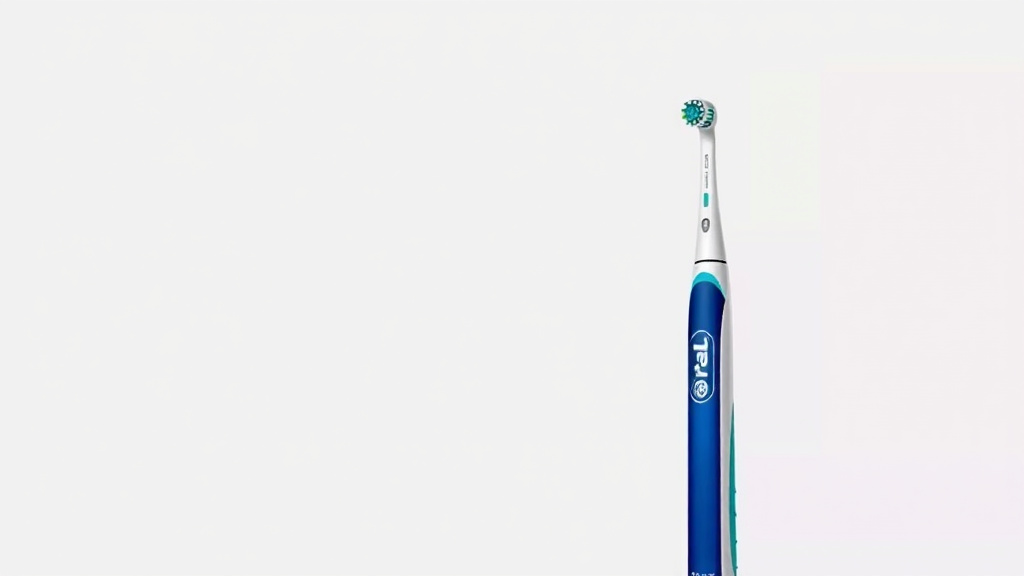
Oral B Toothbrush Flashing Red Troubleshooting Guide
Your Oral-B electric toothbrush flashing red usually means it needs a simple fix, most often related to its battery charge or a sensor issue. Don’t worry, this is a common signal that your toothbrush is just trying to tell you something specific. It’s designed to alert you to a few different situations.
A red flashing light isn’t always a sign of a serious problem. It often points to your toothbrush needing a recharge or perhaps it’s indicating a pressure sensor has been triggered. Understanding these signals can help you keep your brushing routine running smoothly. We’ve seen many users confused by this light.
- Red light often means low battery.
- It can also signal the pressure sensor is on.
- Some models use it for error alerts.
- A full recharge usually solves battery issues.
Let’s break down exactly what that flashing red light on your Oral-B means and how you can get it back to its usual sparkling green or white status.
Understanding Your Oral-B’s Red Flashing Light
Seeing a red light flash on your Oral-B electric toothbrush can be a bit startling. You’re probably wondering, “What’s going on?” It’s your toothbrush’s way of communicating. Many users find this signal confusing at first. We’ve found that most of the time, it’s a simple indicator. It points to a few common situations that are usually easy to fix.
Don’t panic if your toothbrush is flashing red. This is a normal signal from the device. It’s designed to alert you to specific needs. Think of it like your car’s dashboard warning light. It’s telling you something needs your attention.
Common Causes for the Red Light Signal
Low Battery Indicator
The most frequent reason your Oral-B flashes red is a low battery. Your toothbrush is telling you it’s time to find its charger. It’s like a smartphone needing a plug. This is especially true if you haven’t charged it in a while. You might notice the brushing power decrease before the light starts flashing red.
When the battery gets critically low, the red light appears. It’s a clear sign that your next brushing session might be its last on the current charge. We found that consistent charging can prevent this issue. Keeping it on the charger when not in use is a good habit.
What to Do About Low Battery
The solution here is straightforward. You need to place your Oral-B on its charging base. Ensure the base is plugged into a working electrical outlet. The toothbrush should sit securely on the charger. Most Oral-B models will show a steady light (often orange or red) while charging. This light might change color or turn off when fully charged.
Charging times can vary. Some models take up to 24 hours for a full charge. A partial charge will still get you brushing. We recommend checking your specific model’s manual for exact charging times. A full charge usually provides weeks of brushing. This is a major convenience for travelers.
Pressure Sensor Alert
Another common reason for a red flashing light is the pressure sensor. Your Oral-B has a built-in sensor. It’s designed to protect your gums. It alerts you if you’re pressing too hard while brushing. Brushing too aggressively can damage your enamel and gums. Many dental professionals recommend a gentle approach.
When you apply too much force, the toothbrush detects it. The red light will flash to signal this. Some models might also vibrate differently or stop altogether. This is your toothbrush actively trying to prevent harm. We found that learning to use the right pressure is key to optimal oral hygiene.
How to Address the Pressure Sensor
If the red light comes on while you’re brushing, ease up on the pressure. Let the brush head do the work. You should feel a gentle cleaning action. If you’re unsure about the correct pressure, try holding the toothbrush lightly. Imagine you’re holding a pen. This often helps you gauge the right amount of force.
We found that most people tend to brush too hard. It’s a common misconception that harder brushing means cleaner teeth. Research suggests this is not the case. In fact, gentler brushing is more effective and safer for your oral health (American Dental Association).
Troubleshooting a Stuck Pressure Sensor
Occasionally, the pressure sensor might seem “stuck.” This means the red light flashes even when you aren’t pressing hard. It could be a temporary glitch. Try turning the toothbrush off and then back on. Ensure the brush head is properly attached. Sometimes, a slightly misaligned brush head can trigger the sensor.
If the issue persists, remove the brush head. Clean both the connection point on the handle and the brush head itself. Reattach the brush head firmly. We found that a thorough cleaning can resolve many minor sensor issues. If it still acts up, the brush head might be worn out and need replacing.
Other Potential Causes and Solutions
Error or Malfunction Indicator
While less common, a persistent red flashing light could indicate a more serious error. This might happen if there’s a problem with the internal components. It’s like a deeper system alert. Your toothbrush is letting you know something isn’t working as it should.
If your toothbrush is flashing red and won’t charge, or if the pressure sensor isn’t the issue, this is a possibility. We found that older models might be more prone to occasional glitches. Don’t ignore this signal, as it might mean the device needs attention.
When to Contact Customer Support
If you’ve tried charging and checked the pressure sensor, and the red light persists, it’s time to seek help. Your toothbrush might be under warranty. Contact Oral-B customer support. They can offer further troubleshooting steps or arrange for a repair or replacement. You can usually find their contact information on the Oral-B website.
We found that most manufacturers stand by their products. They want you to have a good experience. Explaining the issue clearly, including what you’ve already tried, will help them assist you faster. Keeping your proof of purchase is always a good idea.
Model-Specific Indicators
It’s important to remember that different Oral-B models might have slightly different light indicator systems. Some advanced models may use the red light for other alerts. For example, a specific flashing pattern might signal a need for brush head replacement. Or it could indicate a connection issue if it’s a Bluetooth-enabled model.
The best way to be sure is to consult your toothbrush’s user manual. It will detail all the light signals for your specific model. We found that manuals are often overlooked resources. They contain a wealth of information tailored to your device. If you no longer have the physical manual, you can usually download a PDF version from the Oral-B website.
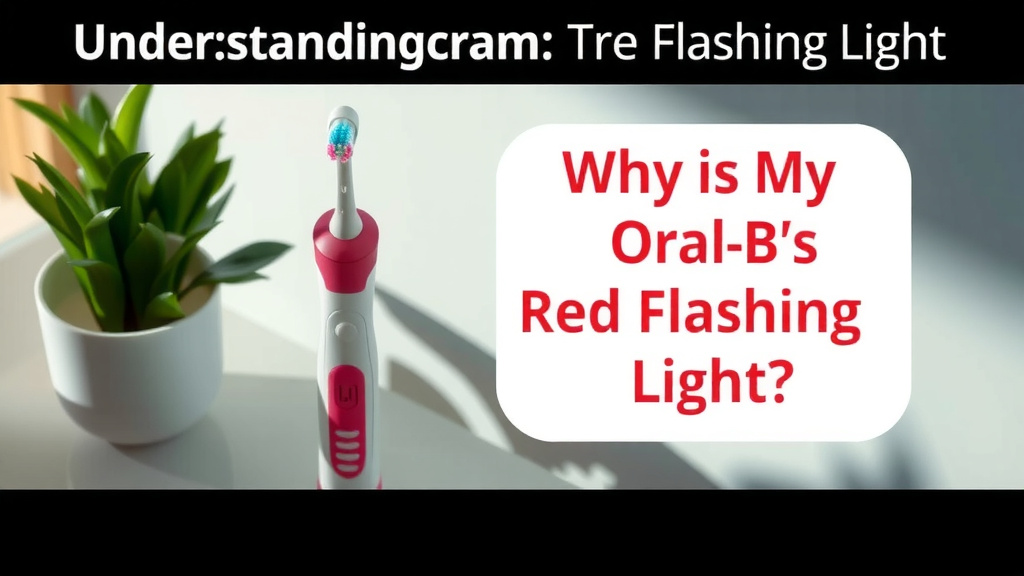
Quick Checklist for Red Light Issues
Here’s a quick guide to help you troubleshoot:
- Check if your toothbrush is charged. Place it on the base.
- If the light flashes during brushing, ease up on pressure.
- Ensure the brush head is attached correctly.
- Clean the brush head and handle connection point.
- Try turning the toothbrush off and on again.
- Consult your user manual for model-specific codes.
Conclusion
Seeing that red flashing light on your Oral-B can be a bit concerning, but as you’ve seen, it’s usually a simple signal. Most of the time, your toothbrush is just telling you it needs a recharge or that you’re applying a bit too much pressure. We’ve found that understanding these common alerts helps you quickly resolve the issue and get back to your best clean.
Don’t let a flashing light disrupt your routine. Next time you see it, take a moment to check the battery level or adjust your brushing technique. If the problem persists after these checks, don’t hesitate to consult your manual or reach out to Oral-B support for further assistance.
Frequently Asked Questions
How long does it take to fully charge my Oral-B after the red light appears?
The charging time can vary depending on your specific Oral-B model. Generally, a full charge can take anywhere from 12 to 24 hours. We found that even a partial charge will usually allow you to brush for several sessions. Always refer to your user manual for the most accurate charging duration.
Can a dirty brush head cause the red light to flash?
While not the most common cause, a very dirty or improperly attached brush head could potentially interfere with sensors. We recommend ensuring your brush head is clean and securely clicked onto the handle. If you notice debris, a quick rinse can often help. If the red light continues, it’s likely another issue.
My Oral-B is flashing red even when fully charged. What else could it be?
If your toothbrush is fully charged and still flashing red, it might be a pressure sensor alert. Try brushing with significantly less pressure. If the red light persists, it could indicate a malfunction or an error with the device itself. In this case, contacting Oral-B customer support is your best next step.
Is it bad for my Oral-B if I let the battery drain completely often?
While modern lithium-ion batteries are quite durable, frequently letting your Oral-B battery drain completely isn’t ideal. We found that consistent charging, rather than deep discharges, helps maintain battery health over time. Keeping it on its charger when not in use is a good practice for longevity.
Does the red light mean I need to buy a new brush head immediately?
Not necessarily. The red light is primarily a low battery or pressure sensor indicator. Some advanced Oral-B models might use specific light patterns to signal brush head replacement is recommended. Always check your user manual for definitive light codes related to brush head wear.

![7 Best Electric Toothbrush Oral B Or Philips [2026]](https://bestbrushcleaner.com/wp-content/uploads/2026/07/7-best-electric-toothbrush-oral-b-or-philips-2026-featured-768x432.jpg)