How to Charge an Oral-B Electric Brush: Guide
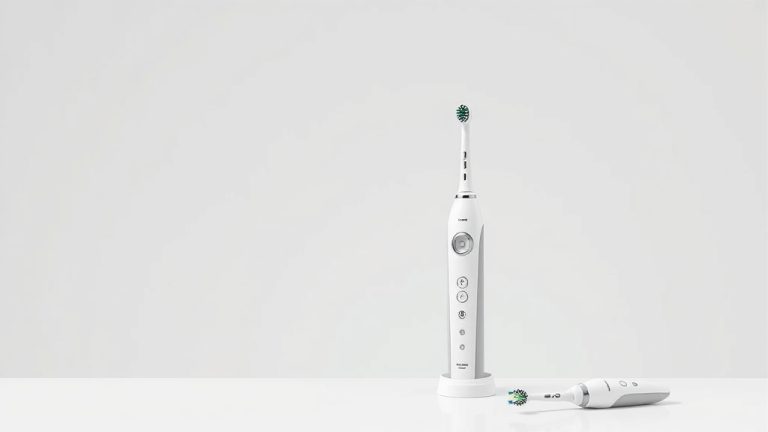
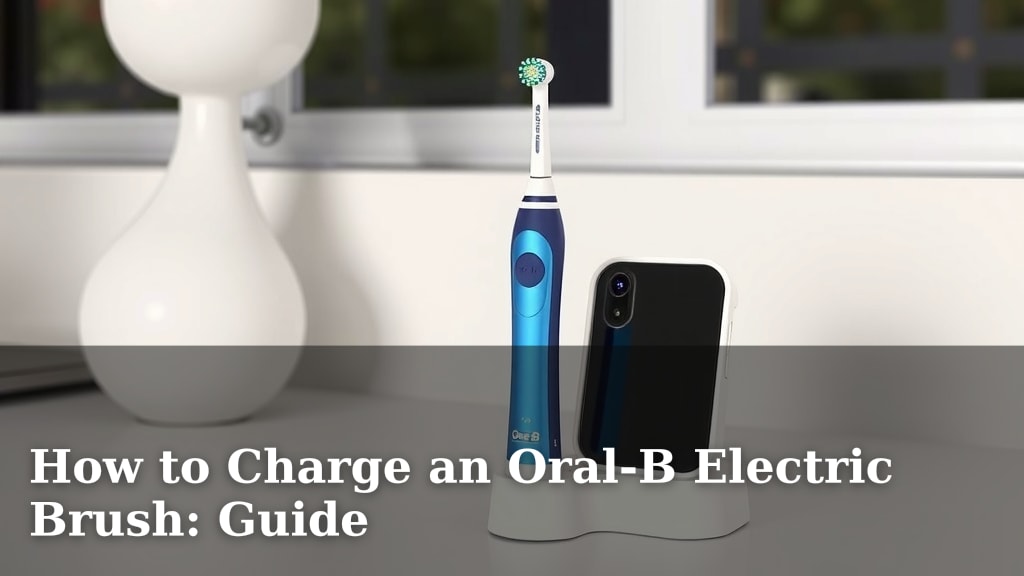
Charging your Oral-B electric toothbrush is super simple. You’ll want to place the brush handle onto the charging base, making sure it’s fully seated. A light indicator on the handle will usually blink or glow to show it’s charging. A full charge typically takes about 12-24 hours, giving you weeks of brushing time.
Knowing how to properly charge your Oral-B ensures it’s always ready for your next brushing session. Keeping it charged prevents the hassle of a toothbrush dying mid-brush. Many Oral-B models have a battery indicator so you always know its power level. Consistent charging helps maintain the battery’s lifespan too.
- Place the toothbrush handle on its charging base.
- Look for a blinking or solid charging light.
- Expect a full charge in 12-24 hours.
- Most brushes last 1-2 weeks per charge.
- Check the battery indicator light regularly.
Let’s walk through exactly how to get your Oral-B powered up and ready to give you that squeaky-clean feeling, step by step.
Getting Your Oral-B Electric Toothbrush Fully Charged
You’ve got your shiny new Oral-B, or maybe you’re just giving your trusty one a bit of juice. Whatever the case, powering it up is straightforward. Simply place your Oral-B toothbrush handle onto its dedicated charging base. You want to make sure it’s seated properly. A little charging indicator light on the handle will usually come to life. This light might blink or stay solid, letting you know it’s actively receiving power. A complete charge typically takes between 12 to 24 hours.
Understanding Your Oral-B’s Charging Light
That little light on your toothbrush isn’t just for show. It’s your primary indicator that everything is working as it should. Most Oral-B models feature a charging light that gives you instant feedback. If it’s blinking, it generally means it’s charging and the battery isn’t full yet. If the light becomes solid, it often signifies that the battery has reached its maximum capacity. It’s helpful to consult your specific model’s manual, as light behaviors can vary slightly. But generally, a blinking light means “charging” and a solid light means “charged.” This simple visual cue helps avoid overcharging or wondering if it’s even plugged in correctly.
How Long Does an Oral-B Charge Really Take?
Patience is a virtue, especially when it comes to getting a full charge on your Oral-B. While the exact time can differ slightly between models, research and user reports indicate a full charge typically ranges from 12 to 24 hours. Don’t be alarmed if it takes the full 24 hours for the very first charge, or after the battery has been completely depleted. This initial lengthy charge is often recommended to condition the battery properly. Once fully charged, you can expect your Oral-B to last for about one to two weeks of regular use, usually two brushing sessions per day. This means you can even take it on short trips without the charger!
Steps to Charging Your Oral-B Like a Pro
Let’s break down the charging process into simple, manageable steps. You’ll be a charging expert in no time. It’s less about complex steps and more about ensuring you’re using the right equipment and giving it adequate time.
1. Gather Your Charging Equipment
First things first, you’ll need the correct charging base that came with your Oral-B toothbrush. These bases are specifically designed for your model and ensure safe, efficient charging. Using a third-party charger or a charger from a different Oral-B model might not work correctly and could even damage your toothbrush. Always use the original charger provided. Make sure the charging base is plugged into a standard electrical outlet. For safety, we recommend placing the charging base on a stable, dry surface, away from direct water sources like sinks or showers.
2. Position the Toothbrush Handle
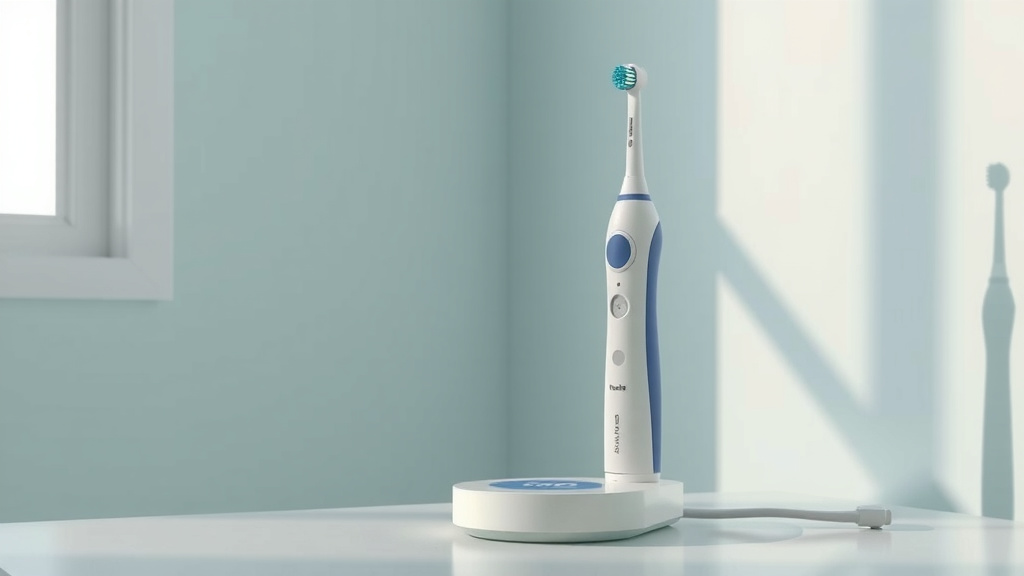
This is where the magic happens! Take your Oral-B toothbrush handle and carefully place it onto the charging base. You’ll want to ensure it sits securely. There’s usually a designated spot or indentation on the base that the handle fits into. You might feel a slight click or notice it sits firmly. A proper connection is key for the charging process to begin. If it feels wobbly or isn’t making good contact, gently adjust the handle until it’s seated correctly. Think of it like parking your car in the right spot – everything works better when it’s aligned.
3. Observe the Charging Indicator Light
Once the handle is correctly placed on the base, look at the toothbrush handle itself. You should see that charging indicator light activate. As mentioned, this light is your signal. A blinking light usually means it’s actively charging. A solid, steady light typically indicates a full charge. If you don’t see any light, double-check that the charging base is plugged in and that the toothbrush handle is positioned correctly on the base. Sometimes, a simple repositioning is all it takes to get that light to show up.
4. Allow for a Full Charging Cycle
Now comes the waiting game. As we discussed, a full charge can take anywhere from 12 to 24 hours. It’s best not to interrupt the charging cycle unless absolutely necessary. Constantly removing the toothbrush from the charger before it’s fully charged can actually reduce the battery’s overall lifespan over time. Many dental professionals suggest letting the battery reach full charge and then allowing it to discharge naturally through use before recharging. This approach helps maintain battery health, similar to how you’d treat a smartphone battery.
Checking Your Oral-B’s Battery Status
Most modern Oral-B toothbrushes come equipped with a battery indicator. This feature is incredibly useful for managing your charging routine. You won’t have to guess when your toothbrush needs power. Knowing the battery level helps you plan when to charge it, ensuring you’re never caught with a dead toothbrush right when you need it most.
Understanding the Battery Indicator Icons
Depending on your specific Oral-B model, the battery indicator might appear in different ways. Some have a series of small lights, while others might show a percentage or a simple icon on a small display screen. Generally, a full set of lights or a high percentage means you have plenty of charge. As the battery level drops, the lights will decrease or the percentage will go down. Always refer to your user manual for the exact interpretation of your model’s battery indicator. It’s usually quite intuitive once you see it in action.
Tips for Maintaining Your Oral-B Battery
Keeping your Oral-B’s battery healthy ensures it performs optimally for years. Here are a few simple tips we’ve found helpful:
- Avoid complete discharges: Try not to let the battery run completely dead too often. Charging it when it’s at a medium level is often better for long-term battery health.
- Use the correct charger: Always use the original charging base.
- Store properly: When not charging, store your toothbrush handle away from extreme temperatures.
- Regular charging: Make it a habit to place your toothbrush on its charger after a couple of uses if you notice the battery is getting low.
- Initial charge is key: For new toothbrushes, give it that full 12-24 hour initial charge.
| Indicator Appearance | Meaning | Action Needed |
|---|---|---|
| Solid Green Light / High Percentage | Full or near-full charge | Brush away! No immediate charging needed. |
| Blinking Yellow/Orange Light / Medium Percentage | Moderate charge remaining | Consider charging soon, especially if you travel. |
| Flashing Red Light / Low Percentage | Low battery charge | Place on charger promptly. |
| No Light (while on charger) | Check connection or charger | Ensure handle is seated correctly and charger is plugged in. |
Conclusion
You’ve now got the know-how to keep your Oral-B electric toothbrush powered up and ready for action. Remember, proper charging involves using the right base, a secure connection, and allowing ample time for a full cycle. Paying attention to the indicator lights and battery status will ensure you always have a charged brush when you need it. Consistent, correct charging helps maintain battery health for years of effective brushing.
Your next step? Make sure your Oral-B is on its charger tonight so you can start your day with a perfectly clean smile tomorrow!
Frequently Asked Questions
Can I charge my Oral-B toothbrush if I lost the original charger?
It’s best to only use the charging base that came with your specific Oral-B model. Using a different charger might not be compatible, could charge inefficiently, or potentially even damage your toothbrush’s battery. If you’ve lost yours, contact Oral-B support or check their website for a replacement charger designed for your model.
Is it bad to leave my Oral-B plugged in all the time?
For most modern Oral-B models, leaving them on the charger constantly is generally fine. They have smart technology to prevent overcharging. However, research and user experience suggest that allowing the battery to discharge somewhat before recharging can contribute to better long-term battery health.
My Oral-B won’t charge; what should I do?
First, ensure the charging base is securely plugged into a working outlet and that the toothbrush handle is properly seated on the base. Check if the charging indicator light is on. If it still doesn’t charge, try a different outlet or contact Oral-B customer service for troubleshooting assistance.
How often should I charge my Oral-B toothbrush?
Most Oral-B electric toothbrushes last about one to two weeks on a full charge with regular use (twice a day). You don’t need to charge it every day. Pay attention to the battery indicator light; charge it when it shows a low battery level or a few days before you plan to travel.
Does the first charge for a new Oral-B toothbrush take longer?
Yes, the initial charge for a brand-new Oral-B toothbrush often requires the longest time, typically the full 12-24 hours. This extended period helps to properly condition the battery for optimal performance and lifespan. It’s recommended to follow this initial charging recommendation from the manual.