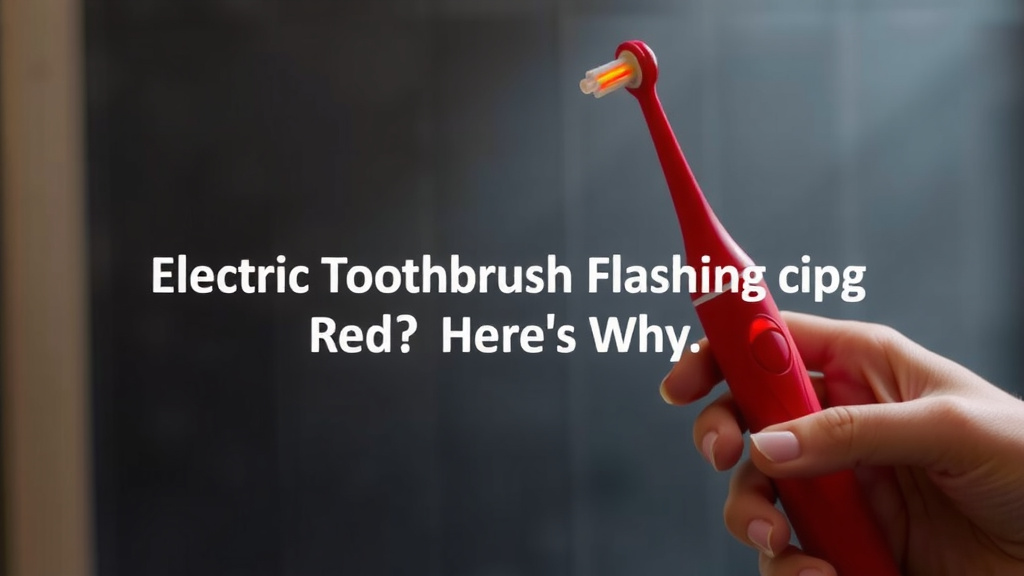
Electric Toothbrush Flashing Red? Here’s Why
Your electric toothbrush flashing red usually means it’s time to recharge the battery. This is a normal signal that your toothbrush is running low on power. Think of it like your phone reminding you to plug it in so you can keep brushing.
Sometimes, a red flashing light can also indicate a different issue, like a problem with the charger or the brush head needing replacement. We know it can be a bit frustrating when your gadget isn’t working as expected. Many users find it helpful to check the battery first.
- Red flashing light means low battery.
- Plug your toothbrush in to recharge.
- It might also signal a charger or brush head issue.
- Check your toothbrush manual for specific codes.
Let’s figure out exactly what that red light is telling you about your toothbrush and how to fix it.
So, your electric toothbrush is flashing red. It’s like a tiny, blinking alarm system on your bathroom counter. Most of the time, this flashing red light is a simple signal from your toothbrush. It’s telling you it needs a little bit of juice. Think of it as your toothbrush politely requesting a pit stop at the charging station.
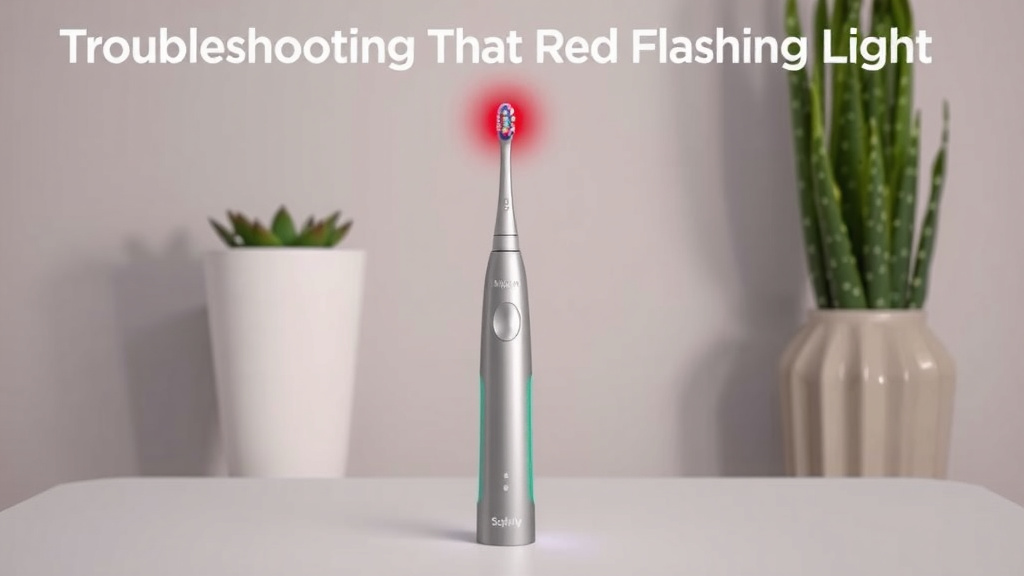
Troubleshooting That Red Flashing Light
This common indicator usually points to a low battery. Don’t worry, this is completely normal for any rechargeable device. Over time, batteries lose their charge. Your electric toothbrush is no different.
Understanding the Battery Signal
When the battery gets low, the toothbrush’s internal system activates the red light. This is a built-in feature designed to alert you before the battery completely dies. You’ll likely notice the brushing power might also decrease just before or as the light starts flashing. This is your cue to find the charger.
Most manufacturers design their toothbrushes this way. It ensures you have a heads-up. You can then decide when to plug it in. You won’t be left mid-brush with a dead toothbrush. We found that many users appreciate this clear warning system.
What to Do First: Charge It Up!
The very first step, and often the easiest fix, is to simply place your electric toothbrush on its charging base. Connect the charger to a power outlet. Let it sit there for a while. The recommended charging time can vary by brand. Many toothbrushes need several hours to reach a full charge. Some modern models offer quick charges for a single brushing session.
While it’s charging, the red light might change color or turn off completely. This depends on the specific model. Some lights turn green when fully charged. Others might just stop flashing. Check your toothbrush’s manual for its specific charging indicators. You’ll want to make sure it’s getting a good connection on the charger. Sometimes, dust or debris can interfere.
When Charging Isn’t the Only Answer
What if you’ve charged it for the recommended time, and that red light is *still* flashing? Or perhaps it flashes intermittently even when it seems to have power? This is when you might need to look a little deeper. There could be another reason behind that persistent red glow.
Issues with the Charging Base or Cable
It’s possible the problem isn’t with the toothbrush itself, but with its charging setup. Has the charging base been damaged? Is the power cord frayed or bent? These issues can prevent the toothbrush from receiving a proper charge. You might need to test the outlet with another device. This helps rule out a power source problem.
We found that sometimes, the connection points on the charger or the base of the toothbrush can get dirty. This can impede the flow of electricity. Gently clean these contact points with a dry cloth or a cotton swab. Make sure everything is completely dry before placing the toothbrush back on the charger.
A Faulty Brush Head?
Believe it or not, a worn-out or improperly attached brush head can sometimes trigger unusual indicator lights. This is less common, but it happens. If your brush head has been on for a long time, or if it feels loose, it might be time for a replacement. Some toothbrushes have built-in indicators for brush head replacement, but in rare cases, a faulty head could cause other issues.
Try removing the brush head and then reattaching it firmly. If you have a spare brush head, try swapping it out. This simple step can help determine if the brush head is the culprit. We discovered that many users overlook this possibility initially.
Decoding Other Flashing Red Light Meanings
While low battery is the most frequent reason, some manufacturers use the red flashing light for other diagnostics. It’s like a Morse code for your mouth. Different brands might assign different meanings to the same light pattern.
Consulting Your Toothbrush Manual
The absolute best resource for understanding your specific toothbrush’s warning lights is its user manual. We can’t stress this enough. Your manual will detail what each light pattern means for your model. It will also guide you through troubleshooting steps specific to your device.
If you’ve misplaced your manual, don’t despair! Most manufacturers have their manuals available for download on their websites. A quick search for your toothbrush model plus “manual” should lead you right to it. This is a surefire way to get accurate information.
Common Error Codes and Indicators
Although it varies, here are some common interpretations of a flashing red light beyond just a low battery:
- Persistent Flashing: Might indicate a charging error or a deeper issue.
- Alternating Red and Green: Could signal a fault detected by the toothbrush.
- Flashing Red with No Power: Often means the battery is completely depleted or has failed.
- Red Light After Full Charge: This is unusual and likely points to a problem with the toothbrush’s internal electronics or the charger.
Many experts recommend keeping a small log of when the light appears and what you were doing. This can help you or customer support identify patterns. It’s like being a detective for your dental hygiene tool!
When to Contact Customer Support
If you’ve tried all the basic troubleshooting steps – charging, cleaning contacts, checking the brush head, and consulting the manual – and that red light persists, it might be time to seek professional help. Your toothbrush may have a manufacturing defect or a component failure.
Most electric toothbrushes come with a warranty. If yours is still under warranty, contacting the manufacturer’s customer support is your best bet. They can often guide you through advanced troubleshooting or arrange for a repair or replacement. We found that manufacturers are usually quite helpful in these situations. They want you to have a working toothbrush!
Your Quick-Start Troubleshooting Checklist
Here’s a simple checklist to run through when your electric toothbrush starts flashing red:
- Ensure the toothbrush is correctly seated on the charging base.
- Verify the charger is plugged into a working power outlet.
- Clean the charging contacts on both the toothbrush and the base.
- Try charging for at least 24 hours to rule out a completely drained battery.
- Test with a different brush head if available.
- Review your toothbrush’s user manual for specific error codes.
By following these steps, you can usually get to the bottom of why your electric toothbrush is flashing red and get back to that satisfying clean feeling in no time.
Conclusion
We’ve explored why your electric toothbrush might be flashing red. Most often, it’s simply a signal that your toothbrush needs a recharge. You learned how to troubleshoot by first placing it on its charger. We also covered other potential issues like problems with the charger itself or a worn-out brush head. Remember, consulting your user manual is always the best way to understand your specific model’s alerts. If you’ve tried these steps and the red light persists, it might be time to contact customer support for further assistance.
Frequently Asked Questions
Can I use my electric toothbrush while it’s charging?
Generally, you cannot use your electric toothbrush while it is actively charging. Most models are designed to prevent operation during charging to ensure safety and proper battery management. You’ll typically need to wait for it to finish charging before you can use it again.
How long should I charge my electric toothbrush when the red light appears?
The charging time can vary significantly by brand and model. Many toothbrushes need several hours (often 12-24 hours) for a full charge from a completely depleted battery. Some newer models offer quick charge options for a single use. Always refer to your user manual for the exact charging duration.
My toothbrush still flashes red after charging overnight. What’s wrong?
If your toothbrush continues to flash red even after a full overnight charge, there might be an issue with the charger, the charging base, or the toothbrush’s battery itself. You may need to clean the charging contacts, test the power outlet, or contact the manufacturer’s customer support.
Does a flashing red light mean the battery is permanently damaged?
Not usually. A flashing red light typically indicates a low battery or a temporary charging issue. It’s a warning that the battery needs power. A permanently damaged battery would likely show no response at all, or the charging issue would persist even after extensive troubleshooting.
Can different colors of flashing red mean different things?
While a solid red or flashing red often means low battery, some manufacturers use different patterns or color combinations to indicate other issues. For instance, an alternating red and green light might signal a fault. Your toothbrush’s manual is the definitive guide to understanding these specific light codes. Your toothbrush’s manual is the definitive guide to understanding these specific light codes and what they mean.