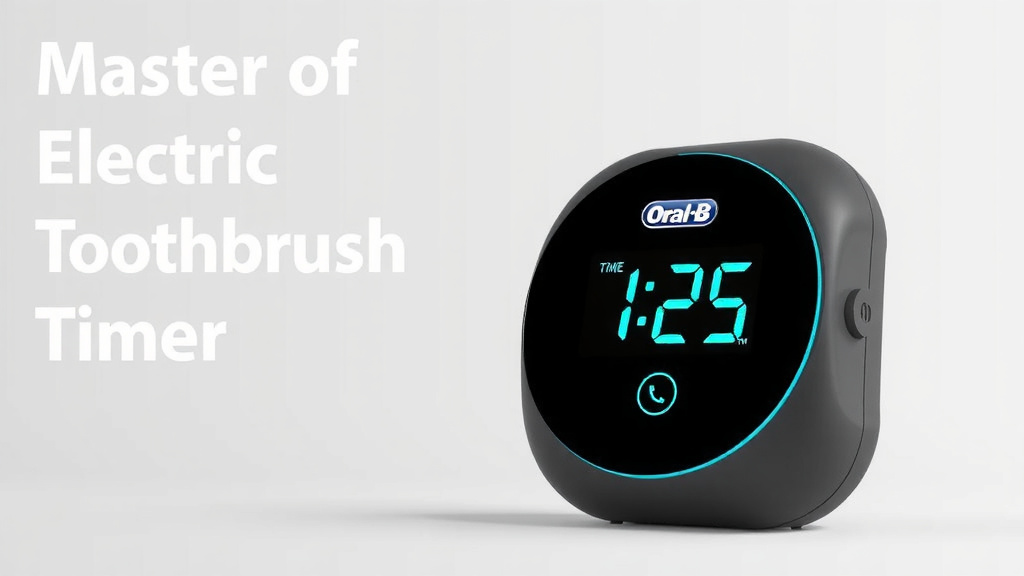
Master Your Oral-B Electric Toothbrush Timer
Using the timer on your Oral-B electric toothbrush is simple and helps you brush for the dentist-recommended two minutes. Most Oral-B models feature a built-in timer that guides your brushing. It typically signals when to move to a new quadrant of your mouth and when your two minutes are up, ensuring a thorough clean every time.
This timer is designed to take the guesswork out of brushing. Instead of constantly checking a clock, you can focus on technique. Many users find it helps them achieve a more consistent and effective cleaning routine. It’s like having a personal dental coach right there with you, ensuring you give each section of your mouth the attention it deserves for optimal gum health and cavity prevention.
- Most Oral-B toothbrushes have a built-in timer.
- The timer helps you brush for the full two minutes.
- It signals when to switch to a different area of your mouth.
- This ensures you brush each section for the recommended time.
- It’s an easy way to improve your brushing consistency.
Let’s walk through exactly how this timer works and how you can best use it for a healthier smile.
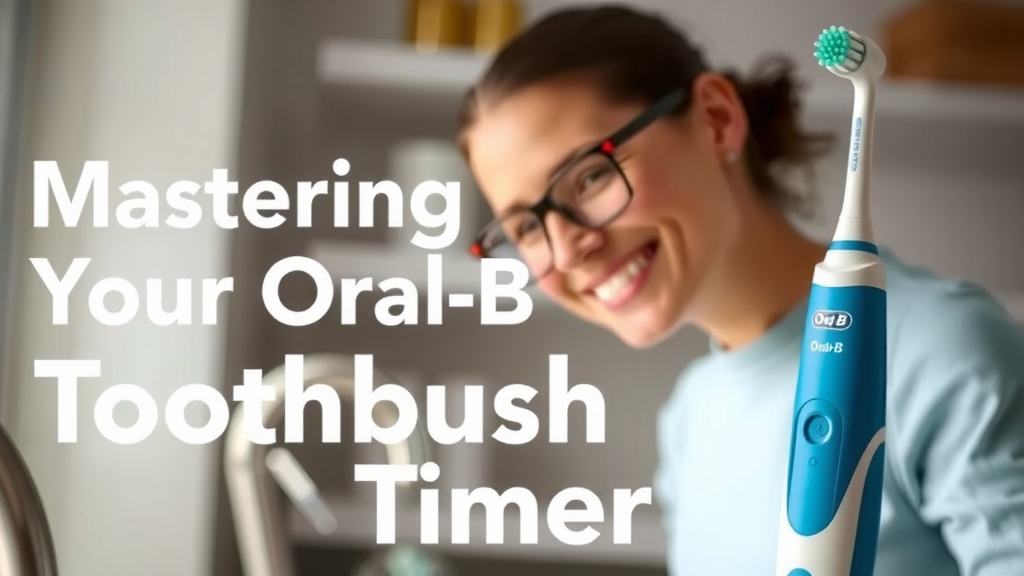
Mastering Your Oral-B Toothbrush Timer
Your Oral-B electric toothbrush timer is your secret weapon for a truly effective clean. You might be wondering how to harness its power. It’s actually quite straightforward! The timer is designed to ensure you brush for the dentist-recommended two minutes. It does this by subtly guiding you through your brushing session. Think of it as your personal dental hygienist, ensuring no tooth is left behind.
Most Oral-B models have this handy feature built right in. It takes the guesswork out of brushing time. You can stop watching the clock and focus on cleaning your teeth properly. We’ve found this simple tool dramatically improves brushing habits for many people. It’s all about consistency and covering every area.
How the Oral-B Timer Works
Understanding the signals is key to using your Oral-B timer effectively. The timer usually works in two main ways. It provides feedback to help you brush correctly. This feedback is designed to be easy to understand, even if you’re new to electric toothbrushes.
The Quadpacer: A Quadrant-by-Quadrant Guide
The most common feature is the Quadpacer. This is a special signal that tells you when to move to a different section of your mouth. Your mouth is typically divided into four quadrants: upper right, upper left, lower right, and lower left. Each quadrant gets about 30 seconds of brushing time.
When you start brushing, the toothbrush will run for 30 seconds. Then, it will give a short pause or a different brushing sensation. This is your cue to switch to the next quadrant. You’ll do this four times in total. This ensures you spend equal time on all areas of your mouth. Many dental professionals recommend this approach for a thorough clean (American Dental Association).
What the Quadpacer Sounds/Feels Like
The exact signal can vary slightly depending on your specific Oral-B model. However, it’s generally a noticeable change in the brushing pattern. You might feel a brief stutter or a momentary pause in the brush head’s oscillation. Some models might also emit a subtle sound. It’s designed to be brief, so you don’t lose focus but are clearly prompted to move on.
The Two-Minute Timer: Finishing Strong
Once you’ve completed all four quadrants, you’re almost done! After the final quadrant, the toothbrush will signal the end of the two-minute brushing cycle. This is usually a more distinct or longer pause. It might also involve a more pronounced change in vibration or sound. This signal tells you that you’ve reached the dentist-recommended brushing time.
This final signal is important. It confirms that you’ve brushed for the optimal duration. It’s a great way to build a habit of brushing thoroughly. You can then confidently spit and rinse. This comprehensive approach helps prevent plaque buildup and cavities.
Tips for Maximizing Your Timer’s Use
Simply knowing how the timer works is one thing. Actually using it to its full potential is another. Here are some tips to help you get the most out of your Oral-B’s built-in timer.
Start with a Clean Slate
Before you even press the power button, make sure your toothbrush is ready. Apply a pea-sized amount of toothpaste to the brush head. Wetting the brush slightly can help, but avoid rinsing the toothpaste away before you start. You want that toothpaste to work its magic from the get-go!
Proper Technique is Key
The timer guides your time, but you still need good technique. Hold the toothbrush at a 45-degree angle to your gums. Let the brush do the work. Gently guide it from tooth to tooth. Don’t scrub vigorously. Electric toothbrushes are designed for a different cleaning motion than manual ones. Focus on placing the bristles along the gum line and on the tooth surface.
Don’t Rush the Signals
When you feel or hear the Quadpacer signal, take a moment to ensure you’ve covered the current quadrant. Then, deliberately move to the next one. Similarly, when the two-minute timer signals completion, pause. It’s tempting to stop brushing the second you hear it, but make sure you’ve fully finished the last quadrant.
Consider Your Brushing Habits
Are you a fast brusher? Do you sometimes skip certain areas? The timer is an excellent tool for identifying these habits. If you consistently find yourself rushing through the Quadpacer signals, it’s a sign you might need to slow down. If you’re used to brushing for less than two minutes, the timer will be a revelation.
When Does the Timer Activate?
It’s important to know that the timer typically activates when the toothbrush is turned on and in use. This means you should only start the timer when the brush head is against your teeth. Pressing the power button and letting it run in your hand won’t count towards your brushing time. You need to be actively brushing your teeth for the timer to function correctly.
Some advanced Oral-B models may offer customizable timer settings. You might be able to adjust the duration or the type of signal. Always refer to your toothbrush’s specific manual for the most accurate information about its features.
Common Timer Variations Across Oral-B Models
While the core function of the timer remains consistent, Oral-B has integrated it into various brush models with slight differences. Understanding these variations can help you get the most out of your specific toothbrush.
| Model Type | Timer Feature | Typical Signal |
|---|---|---|
| Basic Electric Models | 2-Minute Timer with Quadpacer | Short pause/vibration every 30 seconds, longer pause at 2 minutes. |
| Smart Series / Genius Series | 2-Minute Timer with Quadpacer, often app-connected | More distinct pauses or haptic feedback. App provides real-time tracking and coaching. |
| Pro Series (e.g., Pro 1000, Pro 2000) | Pressure Sensor and 2-Minute Timer | Visual or audible pressure sensor alert, Quadpacer, and 2-minute end signal. |
Research indicates that using timed brushing can lead to improved oral hygiene outcomes (National Institutes of Health). So, whether you have a basic model or a feature-rich smart toothbrush, leveraging the timer is a smart move for your dental health.
Troubleshooting Common Timer Issues
Occasionally, you might encounter a hiccup with your toothbrush timer. Don’t worry; most issues are easily resolved. Here’s what to do if your timer isn’t behaving as expected.
Timer Not Signaling at All
If you don’t get any signals, first ensure the toothbrush is fully charged. Low battery can sometimes affect timer functions. Also, check your manual to confirm that the timer feature is enabled, especially on newer models that might have different modes. Sometimes a simple reset, like removing the brush head and reattaching it firmly, can help.
Signals Seem Off or Incorrect
Ensure you’re holding the toothbrush correctly. Pressing too hard or not applying enough pressure can sometimes interfere with the sensors. Make sure you’re moving the brush steadily from tooth to tooth rather than scrubbing. If the signals continue to be inaccurate, a quick check of the brush head might be warranted. Make sure it’s a genuine Oral-B replacement head and properly seated.
My Brush Keeps Stopping
If your toothbrush stops completely before the two minutes are up, it could be a sign of low battery or an internal error. Try fully charging the toothbrush. If the problem persists, try resetting the toothbrush. This often involves holding down the power button for an extended period. Consult your user manual or Oral-B customer support if these steps don’t resolve the issue.
Your Checklist for Perfect Brushing with the Timer
Ready to put your Oral-B timer to work? Here’s a quick checklist to guide you:
- Fully charge your Oral-B toothbrush before your first use.
- Apply a pea-sized amount of toothpaste to the brush head.
- Start brushing, holding the brush at a 45-degree angle to your gums.
- Follow the Quadpacer signals, moving to a new quadrant every 30 seconds.
- Let the brush do the work; don’t scrub hard.
- Continue brushing until you hear the final 2-minute signal.
Conclusion
You’ve now learned how to master the timer on your Oral-B electric toothbrush. Remember, this simple tool is designed to guide you to a perfect two-minute brush. By paying attention to the Quadpacer signals and the final two-minute alert, you ensure every part of your mouth gets the attention it needs. This consistent habit is key to better gum health and fewer cavities. So, the next time you brush, trust your Oral-B timer to help you achieve that dentist-clean feeling every single day. Now go on, give your smile the best care possible!
Frequently Asked Questions
Does my Oral-B toothbrush have a timer?
Most Oral-B electric toothbrushes come equipped with a built-in timer. This feature is standard on many models to help you brush for the recommended two minutes. You can usually check your toothbrush’s manual or the product description to confirm if your specific model includes a timer.
What if I don’t feel or hear the timer signals?
If your timer isn’t signaling, first ensure your toothbrush is fully charged. Low battery power can sometimes affect the timer’s functionality. Also, double-check that you are actively brushing your teeth when the timer should be active. If the issue persists, try resetting your toothbrush or consulting your user manual for model-specific troubleshooting.
Can I turn off the Oral-B toothbrush timer?
On most Oral-B models, the timer is an integrated feature that cannot be turned off. It’s designed to help you achieve optimal brushing duration. However, some advanced models or specific brushing modes might offer customization. It’s always best to refer to your toothbrush’s user manual for detailed information about its features and settings.
How do I know which quadrant I’m brushing?
Your Oral-B timer uses the Quadpacer function to guide you. You typically spend about 30 seconds on each of the four quadrants of your mouth (upper right, upper left, lower right, lower left). The timer will signal a brief pause or change in vibration every 30 seconds, prompting you to move to the next section.
Is the timer essential for good oral hygiene?
While not strictly essential for everyone, the timer is highly beneficial for improving brushing habits. Research suggests timed brushing leads to more consistent and thorough cleaning. It helps ensure you don’t miss spots or rush your brushing, contributing to better plaque removal and overall oral health.